
Sell digital products straight from your phone.
Your website just became a storefront. Secure Stripe checkout, instant delivery, and money that goes straight to you.


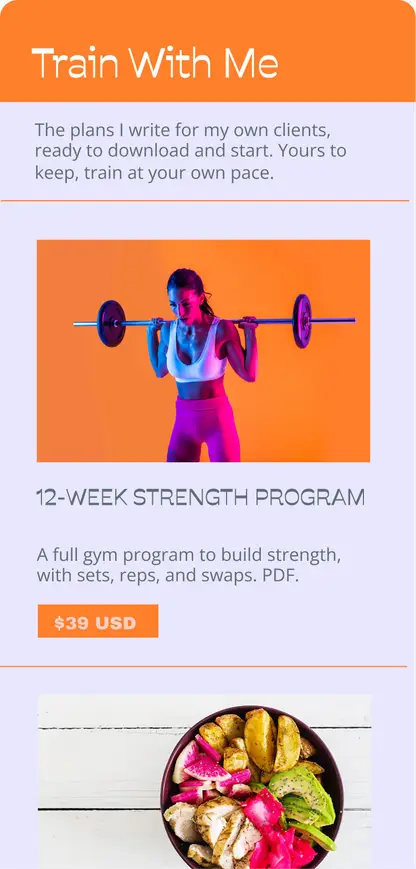
What You Can Sell
Made something? Sell it.
If it fits in a file, a link, or a note, you can sell it. Make it once and sell it as many times as your following can tap.
Photographers & videographers
- Lightroom presets
- Video LUTs
- Wallpaper packs
Designers & digital artists
- Figma & Canva templates
- Procreate brushes
- Icon sets & art prints
The organized ones
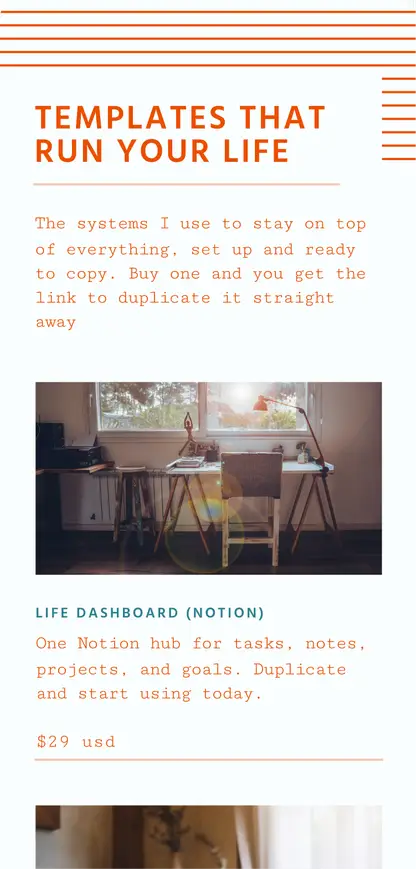
- Notion templates
- Digital planners
- Budget trackers
Teachers, coaches & experts
- Mini-courses
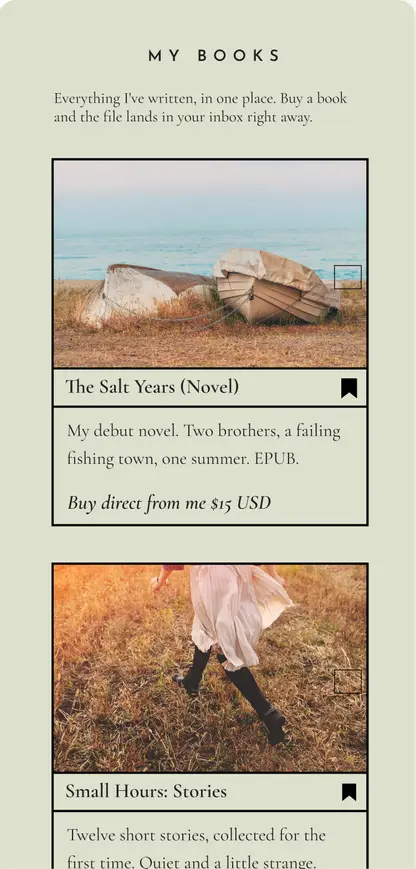
- Ebooks & workbooks
- Workshop replays
Musicians & audio people
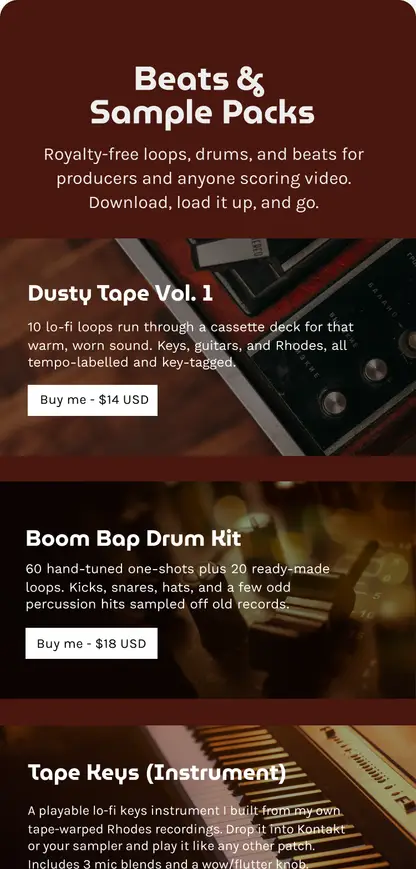
- Sample packs
- Drum kits
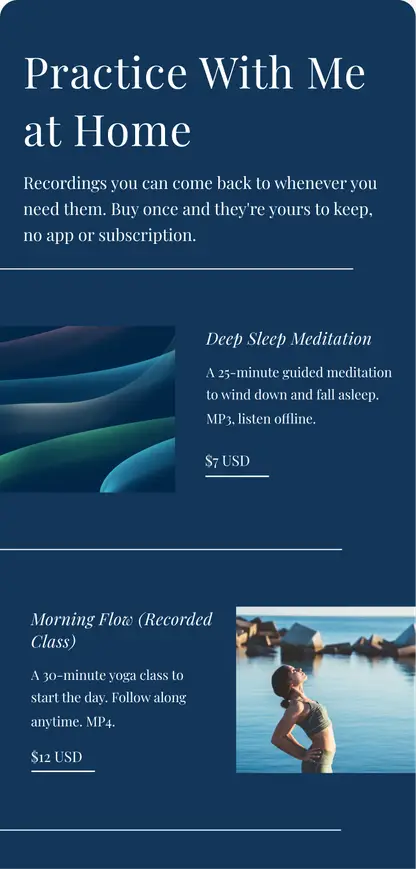
- Guided meditations
The sneaky-clever
- Discount codes
- Early-access passwords
- Recipes & meal plans
Want the full menu? Steal one of these 25+ digital product ideas
Whatever you sell, it fits
Everything on a Sell Card is delivered in one of three shapes. The moment someone pays, a secure link to their purchase lands in their email.
1. A file
PDFs, presets, audio, fonts. Buyers hit download, and it's theirs.
e.g. your preset pack
2. A link
A Drive folder, Notion page, Figma file, or private video. If it has a URL, it sells.
e.g. your Notion template
3. A note
Codes, passwords, instructions. Sometimes text is the product.
e.g. a discount code
How It Works
Open your store in four steps
From nothing to taking payments in one sitting. No code, no computer, no warehouse.
Add a Sell Card
Tap the plus button in the Milkshake app and pick Sell. It becomes a page on your site, right alongside your other Cards.
Connect Stripe
Link a free Stripe account so you can take payments. About 15 minutes, even if you have never used Stripe before.
Add your items
Give each item a name, a price, and what buyers receive: file uploads, links, or private notes revealed after purchase.
Publish and share
Hit publish and your store is live on your site. Buyers pay by card, Apple Pay, or Google Pay, and get a secure link to their goodies by email.
Inspiration
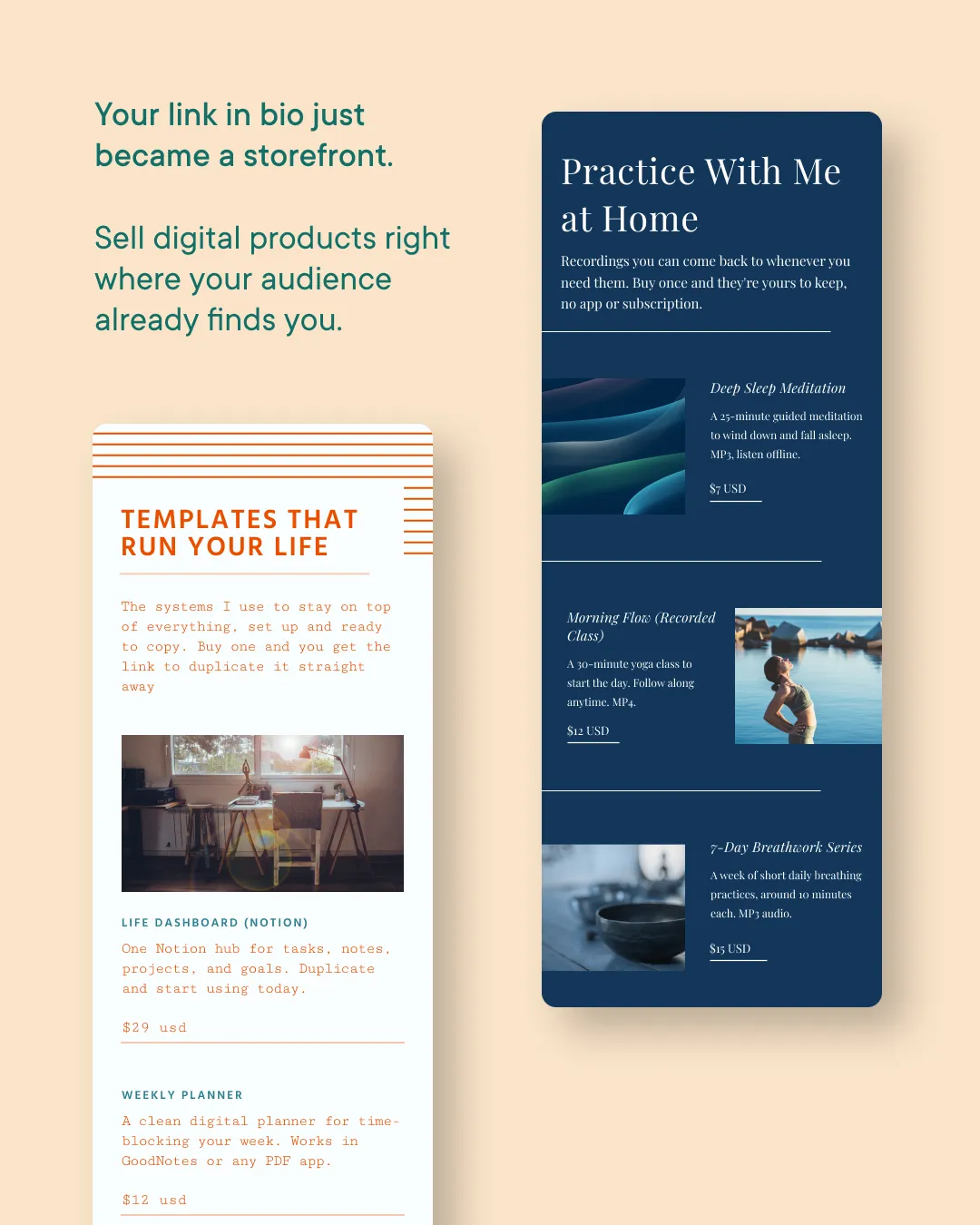
One Card, a thousand stores
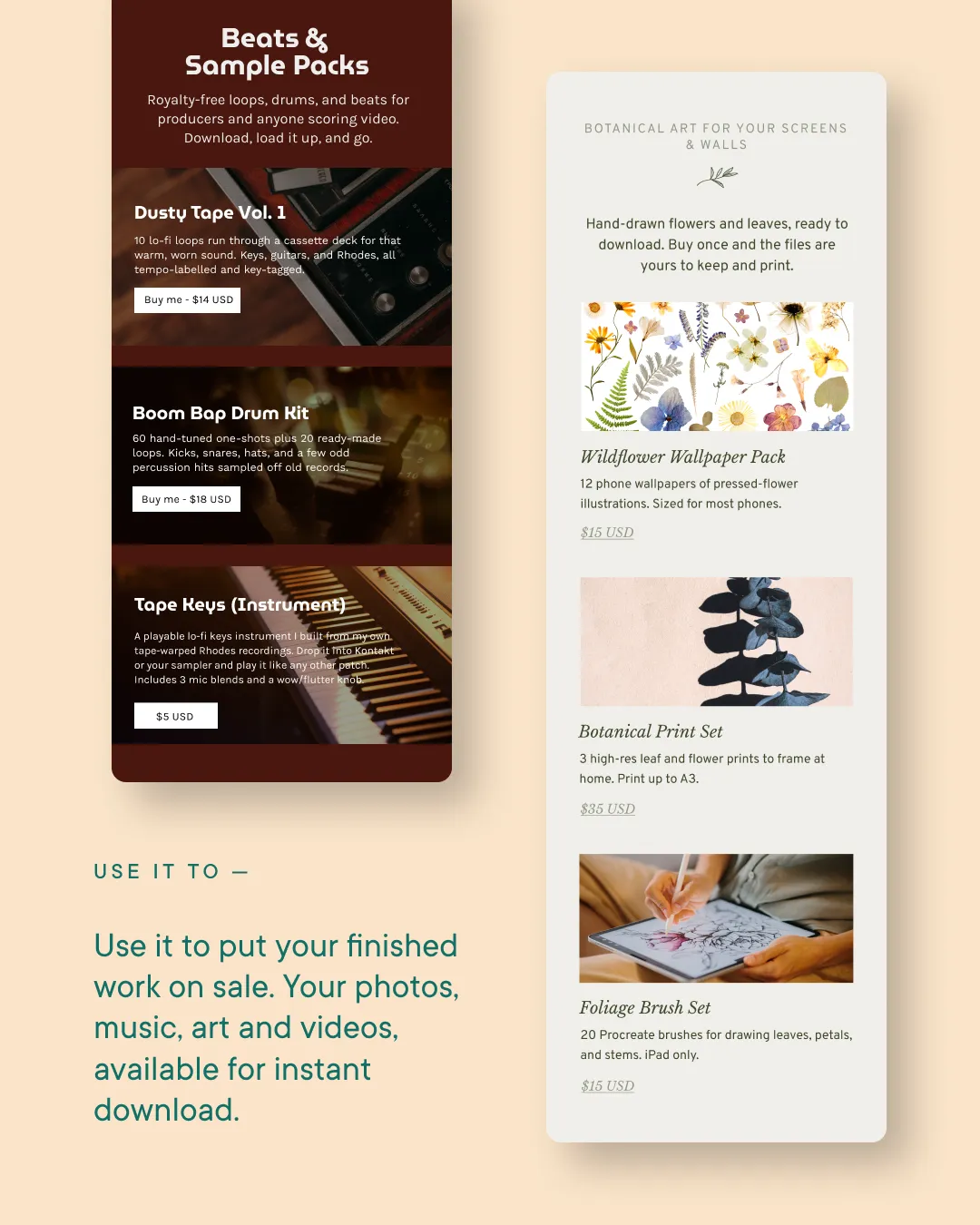
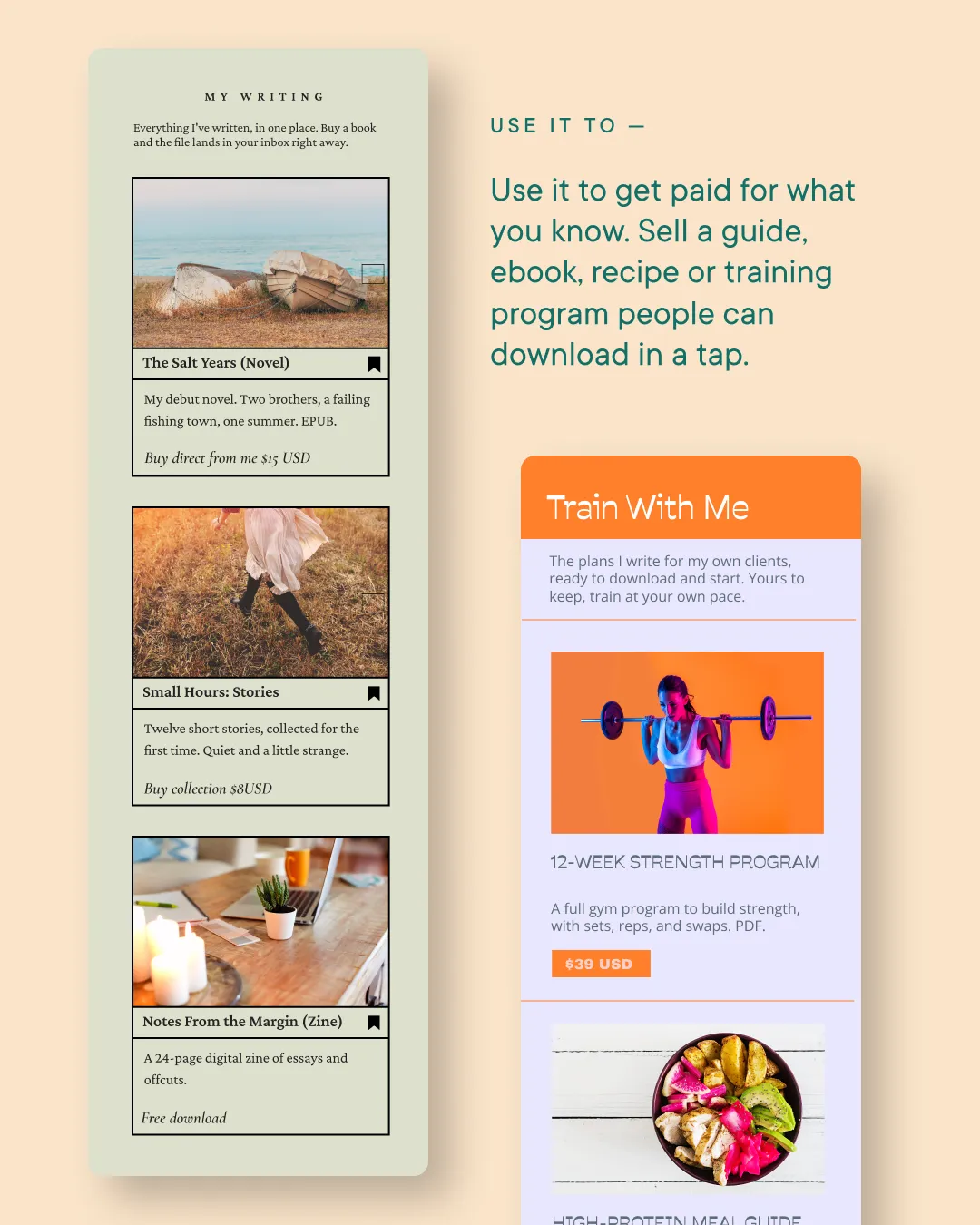
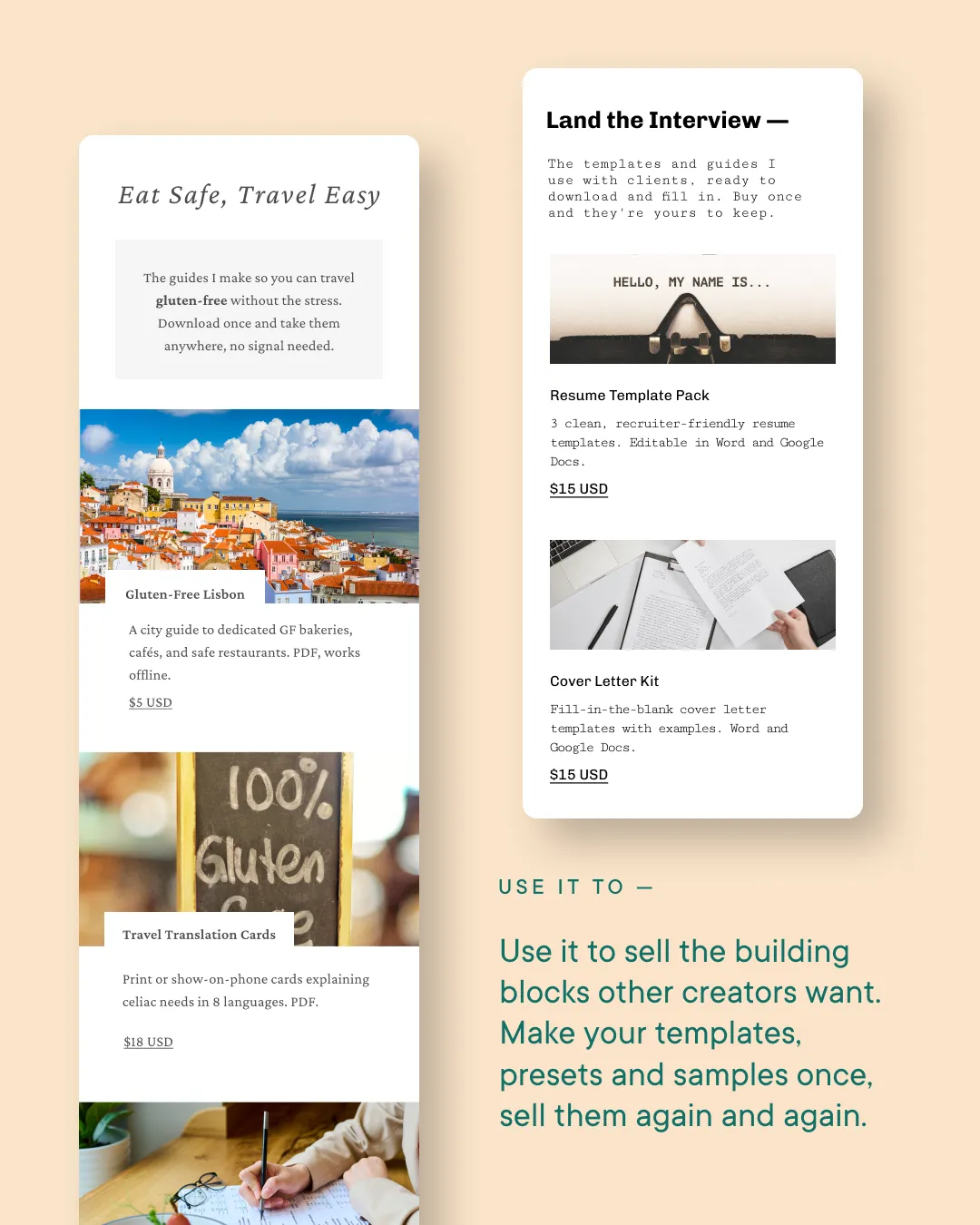
Beats, books, meal plans, meditations. Here are the kinds of stores creators open with a Sell Card.
Simple Fees
Free to start. Fair when you sell.
Selling works on every plan and there's nothing to pay upfront. Milkshake takes a small fee per sale (plus Stripe's standard processing fee), and it shrinks when you subscribe.
Free
12%
Milkshake fee, per sale
Lite
12%
Milkshake fee, per sale
Pro
9%
Milkshake fee, per sale
Pro+
7%
Milkshake fee, per sale
Stripe's standard processing fee also applies. Your earnings land in your own Stripe account, ready to pay out to your bank. See exactly how fees work
The Best Part
Make it once, get paid on repeat
Digital products don't sell out, don't ship, and don't care what time zone you're in.
Your revenue
Total earnings
$1,284
Your lock screen

You made a sale!
now
Maya purchased Procreate brush set for $15
You made a sale!
now
Leo purchased Lo-fi sample pack for $18
You made a sale!
now
Priya purchased Life dashboard (Notion) for $29
Selling FAQs
Selling, answered
Everything you need to know about selling with Milkshake.
What can I sell?
Digital products of every kind: presets, ebooks, guides, templates, sample packs, recorded classes, meditations, and more. Each item delivers a file (up to 100MB), a link, or a private note. Need inspiration? Here are 25+ ideas.
What does selling cost?
There's nothing to pay upfront and selling works on every plan. When you make a sale, Milkshake takes a small fee: 12% on Free and Lite, 9% on Pro, and 7% on Pro+, plus Stripe's standard processing fee. See how fees work.
How do I get paid?
Payments go directly into your own connected Stripe account, not into Milkshake. You control when and how it pays out to your bank from your Stripe dashboard.
Do my buyers need the Milkshake app?
Nope. Buyers shop on your website like any other online store. They pay by card, Apple Pay, or Google Pay, no account required, and get a secure download link by email right away.
How much can I charge?
You set the price per item. While the Sell Card is in beta, prices can be between USD $1 and $100 (or the equivalent in your currency).
Can I give things away for free?
Yes! On Pro you can list $0 items with a deliverable attached. Free items still go through checkout, so you collect the buyer's email. Perfect for lead magnets and samples.
Where is selling available?
Selling is available in countries where Stripe's full functionality is supported. Check Stripe's list of supported countries to see if you're covered.
Still have questions? Visit our Help Center
Got something
worth selling?
Start making your free Milkshake website today.
No credit card needed. No strings attached.
Trusted by 5M+ creators worldwide