
Milkshake vs Linktree
Milkshake is a Linktree alternative that turns your link in bio into a multi-page site, built on your phone. A page for your shop, another for your latest video, in your own fonts and colors. Here’s what each one costs and does better, with links so you can check our homework.
See your Linktree as a Milkshake site
No link yet? Start with your name



Go Milkshake
- You want easy. No design skills, just a few minutes on your phone.
- You'd rather pay less. Our paid plans cost less than Linktree's at every tier.
- You want more pages: one for your shop, one for your latest video.
- You'd rather not pay to look good. Every Look and font is free.
- You want to connect your own domain (Pro+). Linktree doesn't offer one.
Stay on Linktree
- You want email sign-ups and a contact form for free.
- You edit in a browser.
- More than one of you edits it. Linktree has admin users on Pro.
- You need an integration we don't have. Their marketplace is bigger.
The big difference
One page to scroll, or Cards to swipe
Linktree stacks links and content blocks on one scrolling page. Milkshake gives each thing its own page, so your shop and your latest video each get a moment to themselves. Add as many as you like.
The link-list way
One page, scrolling
A simplified link page. Linktree does richer blocks too, all in one scrolling column.
The Milkshake way
Cards you swipe through



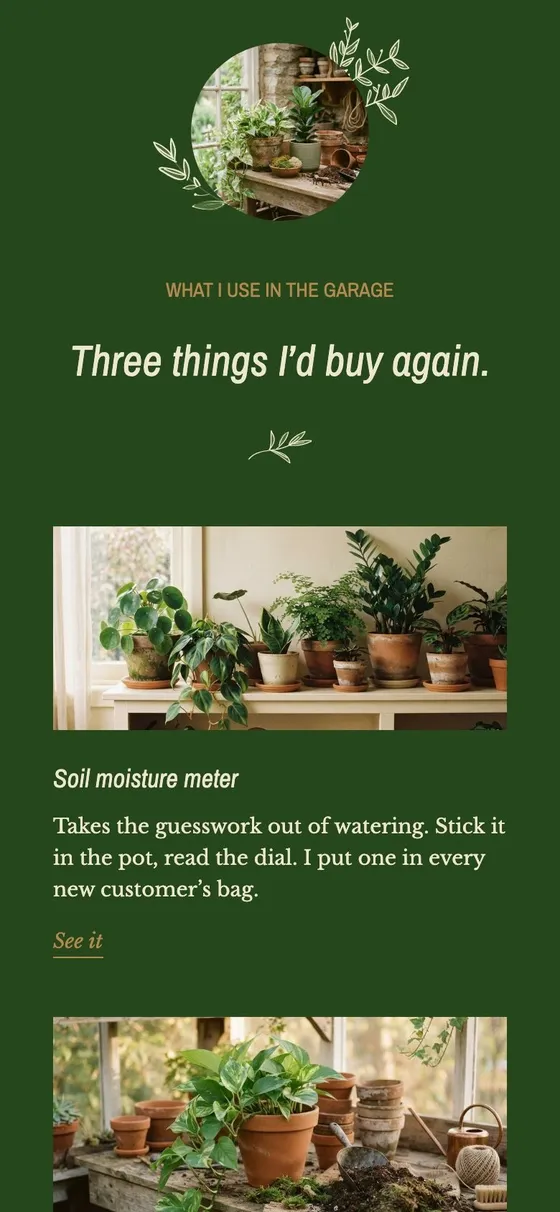
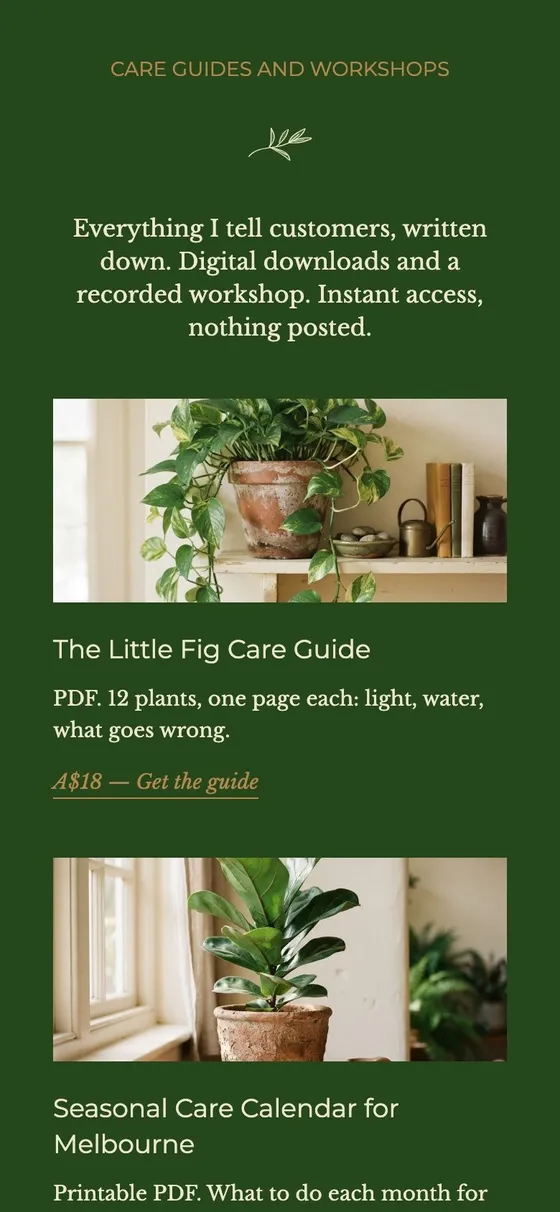

An example site for a plant shop. Six pages, each a swipe apart, all in its own fonts and colors.
No fudging
Milkshake vs Linktree, feature by feature
Every row, with a tick where one side comes out ahead.
| Feature | Milkshake | Linktree |
|---|---|---|
| Your site | ||
| What you publish | As many pages as you like, each one filling the phone, from a page of links to a shop | One scrolling page of links and blocks |
| Photo backgrounds | Free, with Looks that fill the screen with your photo | Pro (US$12/mo) and Premium (US$30/mo) only |
| Themes and fonts | Every Look and font is free, with full control of colors | A handful of themes and fonts are free. Most themes and many fonts need Pro, US$12/mo |
| Connecting your own domain | Pro+, $99.99/yr, plus your domain registration | Not offered (as of October 2026) |
| Removing the logo | Lite, $2.99/mo, takes off our logo Card | Pro, US$12/mo |
| Growing your audience | ||
| SEO settings | Pro, $5/mo | Pro, US$12/mo |
| Mailing list integrations | Pro, $5 a month billed yearly. Sign-ups sync to Google Sheets or Mailchimp | Pro, US$12 a month. Syncs to Mailchimp, Klaviyo, Kit, Beehiiv, Flodesk or Google Sheets. Free plans can collect sign-ups into Linktree's own list and export a CSV |
| A contact form | Pro, $5/mo | Every plan, including Free |
| Scheduling links to go live or expire | Pro, $5/mo, lets you hide any Card and bring it back whenever you like | From Starter, US$6/mo |
| QR codes | Free on every plan | Free to download. Customizing it needs a paid plan |
| Instagram comment auto-replies | Not offered | Every plan can auto-DM commenters on one selected post or Reel: 1,000 DMs a month free, 1,500 on Starter (US$6/mo), 2,500 on Pro (US$12/mo), unlimited on Premium (US$30/mo). Pro adds all-post and next-post triggers, plus smart keyword matching |
| Third-party add-ons | Mailchimp, Google Sheets, Meta pixel and Google Analytics | A bigger marketplace |
| Insights | ||
| Views | Free | Free |
| Link clicks | Free | Free |
| Where visitors come from | Free | Pro, US$12/mo |
| Top countries | Free | Pro, US$12/mo |
| New vs returning visitors | Free | Not offered (unique views only) |
| How far Insights go back | 30 days free, a year on Pro ($5/mo) | 28 days free, 90 on Starter (US$6/mo), a year on Pro (US$12/mo), all time on Premium (US$30/mo) |
| Exporting your data | Pro, $5/mo | Premium, US$30/mo |
| Campaign (UTM) tracking | Pro, $5/mo | Pro, US$12/mo |
| Meta pixel | Pro, $5/mo | Pro, US$12/mo |
| Google Analytics | Pro+, $8.33/mo | Pro, US$12/mo |
| Building it, and help | ||
| Building on your phone | Yes, on iPhone and Android. Phones are what it's made for | Yes, iOS and Android apps |
| Building in a browser | Not yet. The app runs on Apple silicon Macs and iPads too | Yes, in the browser |
| Letting someone else edit | Not offered | Admin users from Pro, US$12/mo |
| Faster support | Priority support on Pro, $5/mo | Faster replies on paid plans: 24 hours on Starter (US$6/mo), 12 on Pro (US$12/mo), 4 on Premium (US$30/mo) |
How we compared
Every Linktree fact comes from their own pricing page, feature overview and help center. Prices on both sides are US dollars a month, billed yearly, except Milkshake Lite, $2.99 a month, which is monthly only. Who comes out ahead on each row is our call, and the rows aren’t weighted, so we don’t add them up.
Checked by the Milkshake team in . Spotted something out of date? Tell us.
Prices
Cheaper plans than Linktree at every paid tier
Both start free. In US prices billed yearly, our top plan costs less than their Pro.
Cheapest paid plan
Pro plans
Top plans
Checked . Milkshake Pro is $59.99 a year or $6.99 monthly, and Pro+ is $99.99 a year. Prices vary by region. What’s in each plan is in the comparison above.
Your name, not theirs
Connect your own domain
On Pro+ you can connect your own domain to your site, instead of having somebody else’s brand with your name tacked on the end.
Linktree doesn’t offer this. From their help center: “We don’t offer the option to use a custom domain to replace the linktr.ee URL.”
Pro+ is $99.99 a year, plus whatever your domain costs to register.
On the free plan
What you get for nothing
A beautiful site, hosted free
Your site lives on the Milkshake domain at msha.ke/yourname. Hosting is on us, for as long as you like.
Unlimited Cards, links and images
Add as many Cards, links and images as you like, from Splash and About to Top Picks and YouTube.
The whole Look library
Every Look, font and color comes with the free plan, photo backgrounds included.
Insights and a QR code
Check 30 days of Insights any time, and grab a QR code to print on anything.












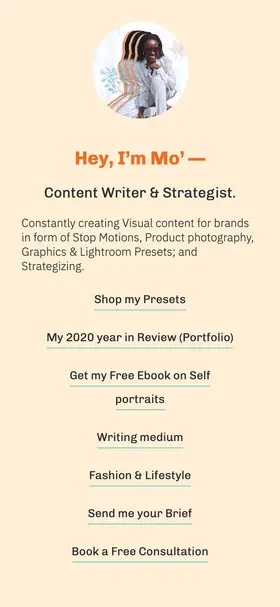
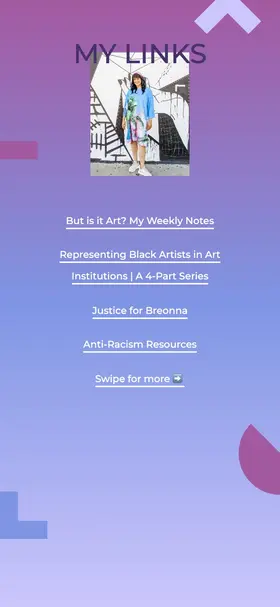
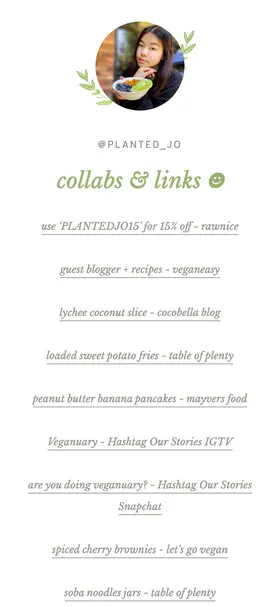



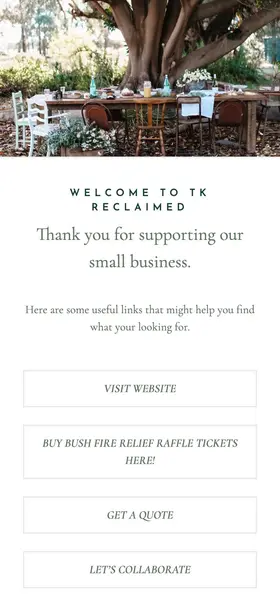

Inspiration
Built by creators like you
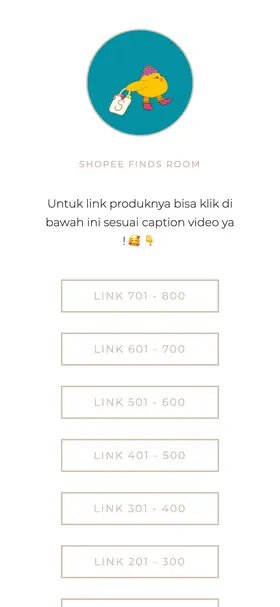
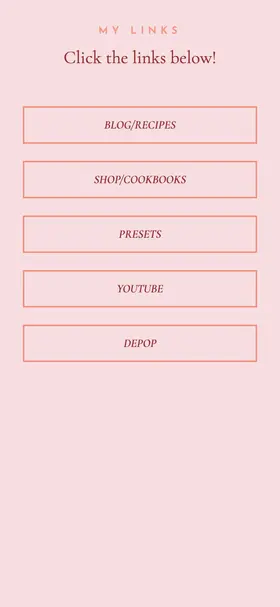
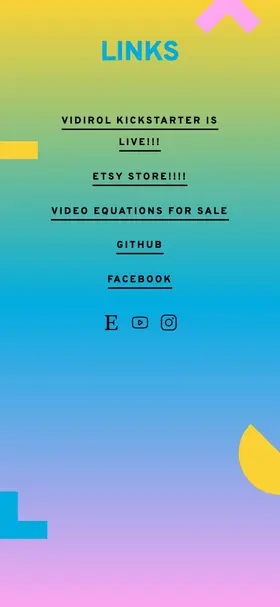
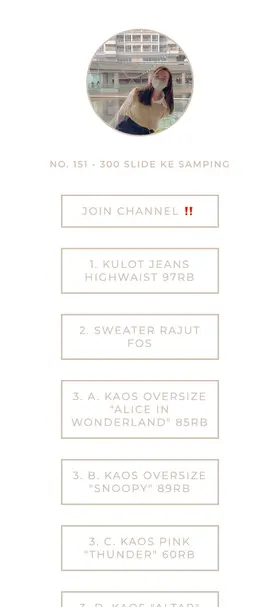
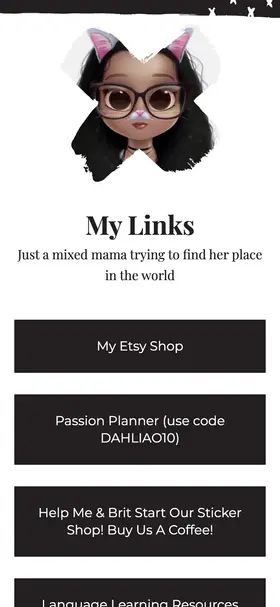
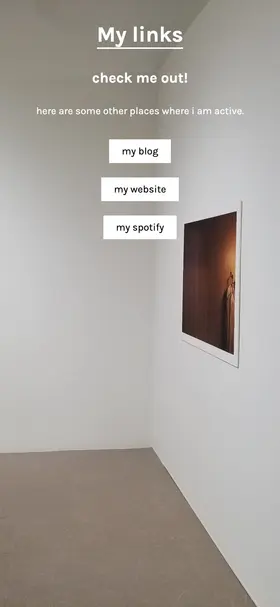
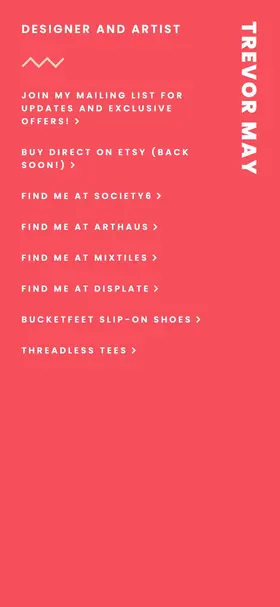
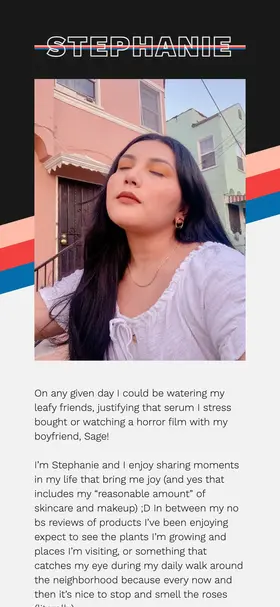
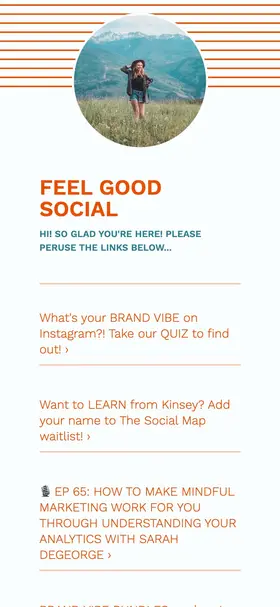
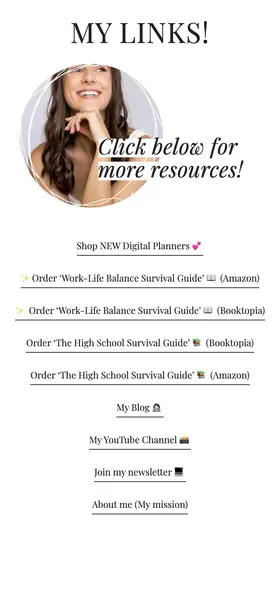
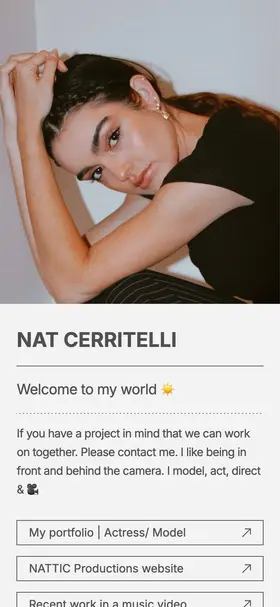
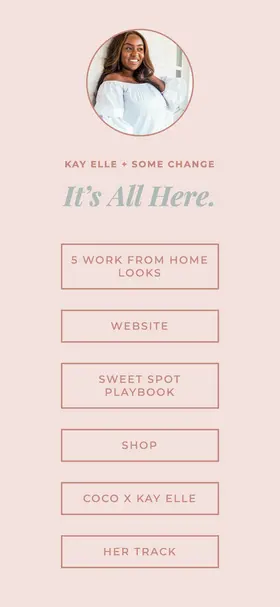
Real websites built by real creators, right from their phones.
In their words
They picked us over Linktree
Cool for an alternative to websites like linktree for those who want more flair. I've been using this instead of linktree because I just really didn't like the display of it. I've tried other options like Linktree but I find this one to be the most user-friendly. Easy to use!! Works better than Linktree As a mom who's not tech-savvy, the insights and real-time analytics help me understand my website's performance. It's so user-friendly with beautiful templates. Much better than Linktree for moms like me. I just switched from linktree to milkshake this past week and I am loving this app! It is so much more organized and pleasing to the eye! I love that you swipe instead of scrolling. Picked by us from public App Store and Google Play reviews, quoted as written. Older reviews describe older versions of both apps.
Switching
How to switch to Milkshake
Four steps so nobody hits a dead link on the way over.
-
Grab the app and add a Links Card
It's the Card closest to a Linktree: one page of links. Want an image with each link? Use a Top Picks Card instead. Either way, pick a Look to set its fonts and colors.
-
Bring your links across
Paste your link into the box below and pick from a few Milkshake sites made from it. Then add the Cards you never had. If your Linktree plan lets you export your analytics and subscribers, do that first.
-
Publish it and tap through like a follower would
Test every link, form and checkout on a phone and a computer before you change your social profiles.
-
Swap your link in bio, then everywhere else it appears
Think QR codes, email signatures, business cards and your other profiles.
See your Linktree as a Milkshake site
Paste your linktr.ee link and get a few sites built from it in seconds. Free to try.
FAQ
Questions about Milkshake vs Linktree
Neither of us right for you? Here are other Linktree alternatives.
Is Milkshake better than Linktree?
Milkshake is the better pick if you want a site with more than one page, built on your phone, with every Look free, photo backgrounds included. Its paid plans also cost less than Linktree's at every tier, and you can connect your own domain on Pro+. Linktree is the better pick if you want a free contact form and email sign-ups, or to edit in a browser.
Is Milkshake free?
Yes, and no credit card needed. The free plan gets you unlimited Cards (the Contact Card comes with Pro), every Look, photo backgrounds, full control of fonts and colors, hosting, QR codes and 30 days of Insights. Free sites live at msha.ke/yourname and end on a Card with our logo. Lite (US$2.99 a month) removes our branding. Pro (US$6.99 a month, or US$59.99 a year) adds the contact form, mailing list integrations, SEO settings and a year of Insights. Pro+ (US$99.99 a year) lets you connect your own domain and adds Google Analytics. Prices vary by country and platform.
Can you connect your own domain to Linktree?
No. Linktree's help center says it doesn't offer custom domains, so your page stays on linktr.ee. With Milkshake you can connect your own domain on Pro+.
Can I use Milkshake on a computer?
On a Mac, yes: the Milkshake app runs on Apple silicon Macs, as well as phones and iPads. There's no browser editor yet. Visitors can open your site on anything.
Is a Milkshake site a real website Google can find?
Yes. It's a real site at a real address. Pro lets you set the title, description and share image that search engines and social apps show, and on Pro+ you can connect your own domain.
Won't swiping be annoying if I have loads of links?
Got 40 links? They all fit on one Links Card. Swiping is for the stuff that deserves a whole page, like your shop or your latest video.
Can I move my Linktree to Milkshake?
Yes. Paste your linktr.ee link into the box in the Switching section above and see it as a Milkshake site in a few seconds, in a bunch of different styles. Pick the one you like, keep editing it in the app, and test it before you swap your link in bio.
How do I cancel Milkshake?
Two separate steps. Cancel any paid plan from your App Store or Google Play subscriptions, like any other app subscription. If you want your site gone too, delete your account from the app's settings, which takes the site with it.
Linktree is a trademark of Linktree Pty Ltd. Milkshake isn’t affiliated with or endorsed by Linktree.
Your bio link,
but make it a site.
Start making your free Milkshake website today.
No credit card needed. No strings attached.


6M+ users and counting