














Squarespace → link in bio
A Squarespace link in bio page, made from your site
Paste your Squarespace site's address and Milkshake builds a link in bio page from it in seconds: your main pages as links, with your logo, colors and fonts, in a bunch of different styles. It sits alongside your site, so nothing on Squarespace changes.
Use your site's own domain, or its squarespace.com address if it doesn't have one.
No link yet? Start with your name
How it works
From Squarespace to a Milkshake site in seconds
-
Find your link
Use your site's own domain, or its squarespace.com address if it doesn't have one.
-
See it in different Looks
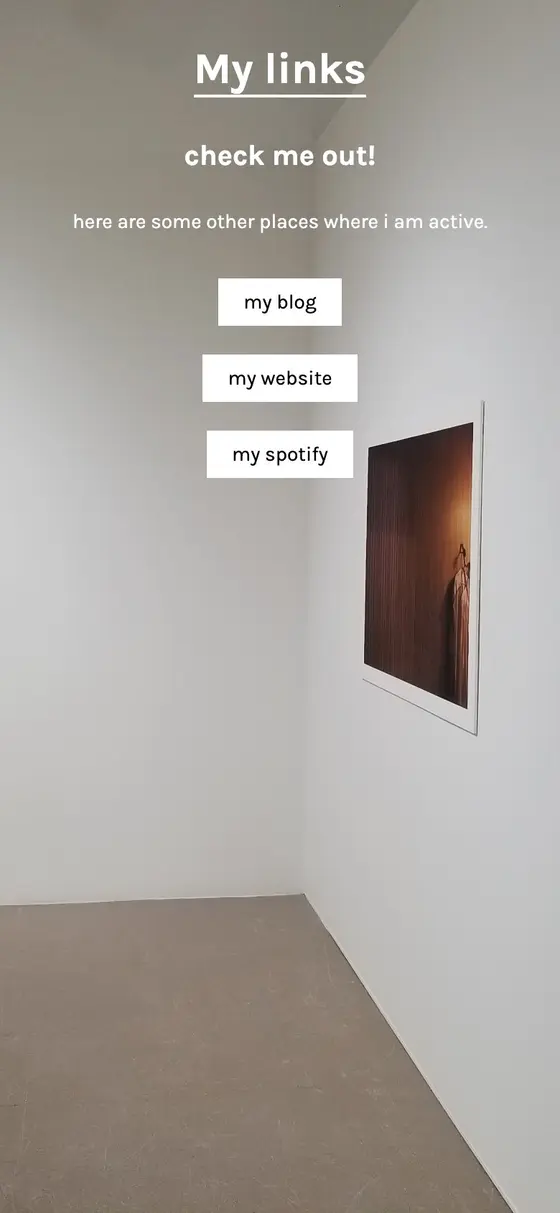
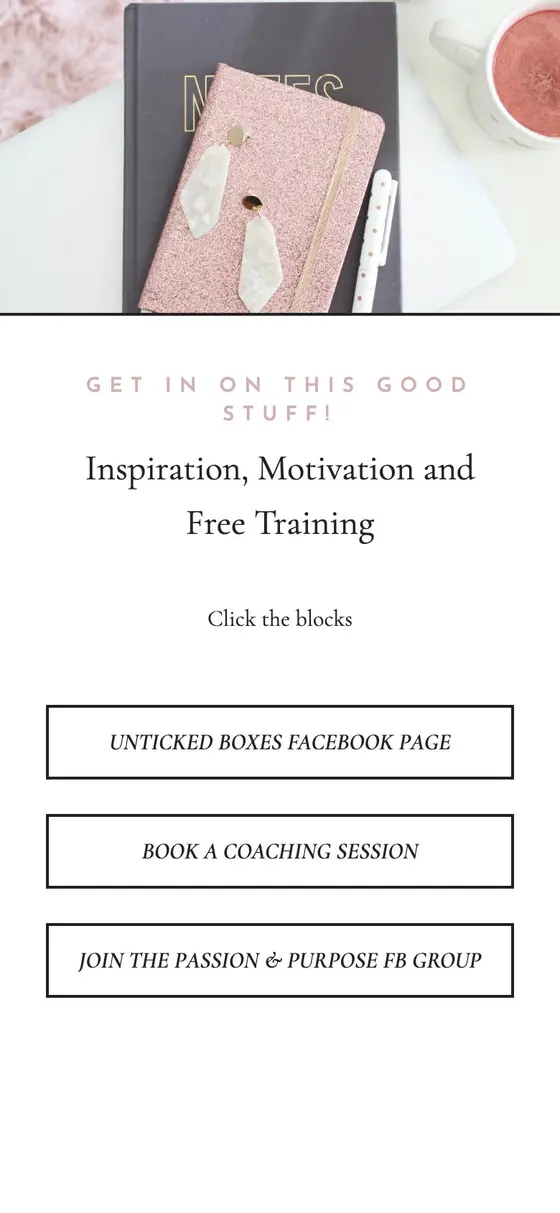
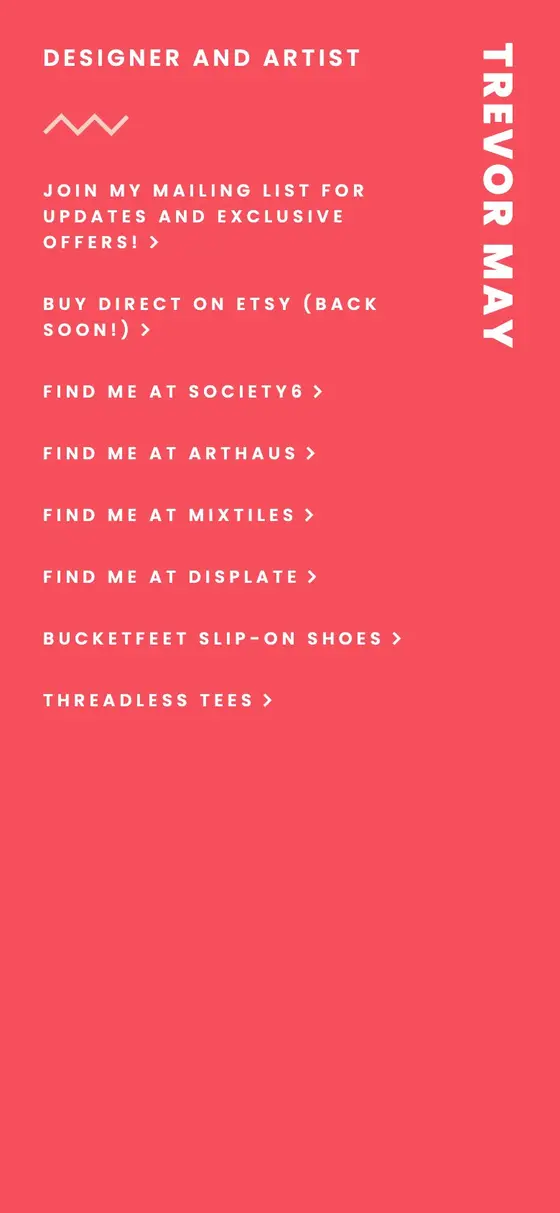
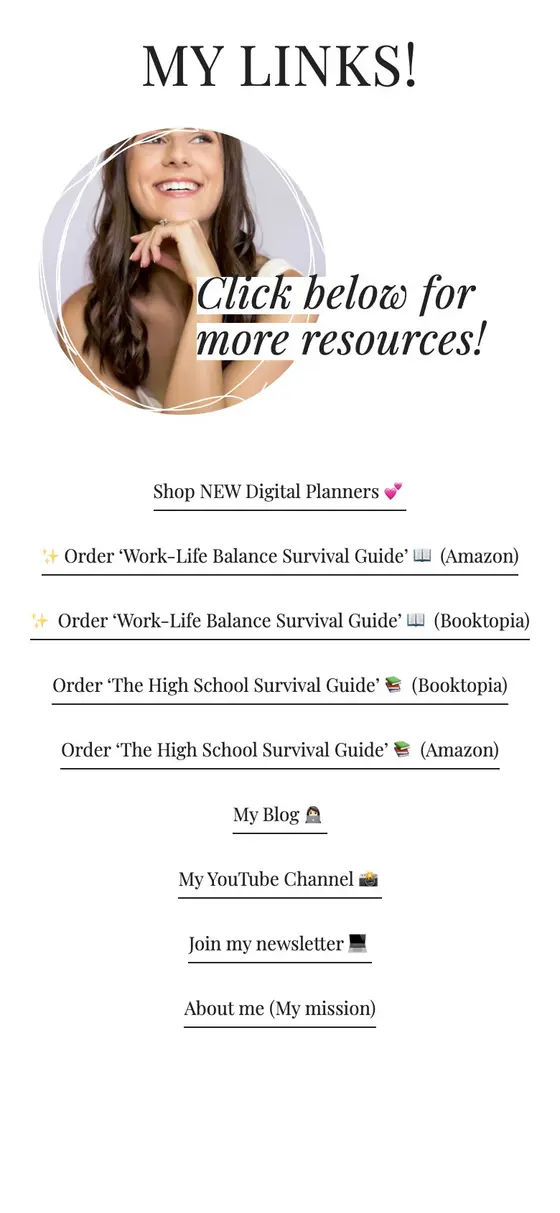
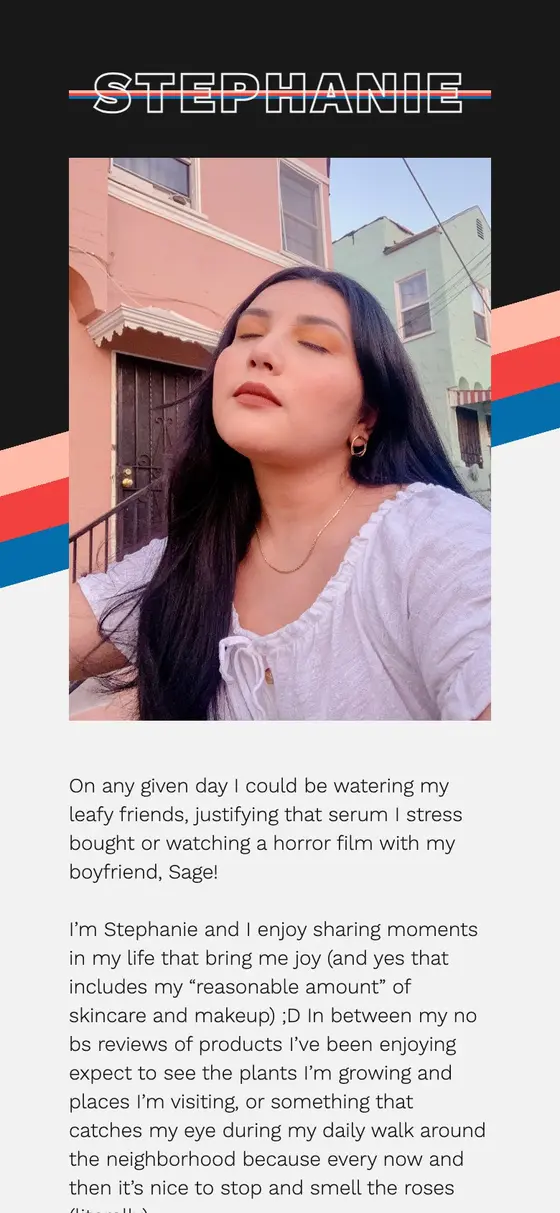
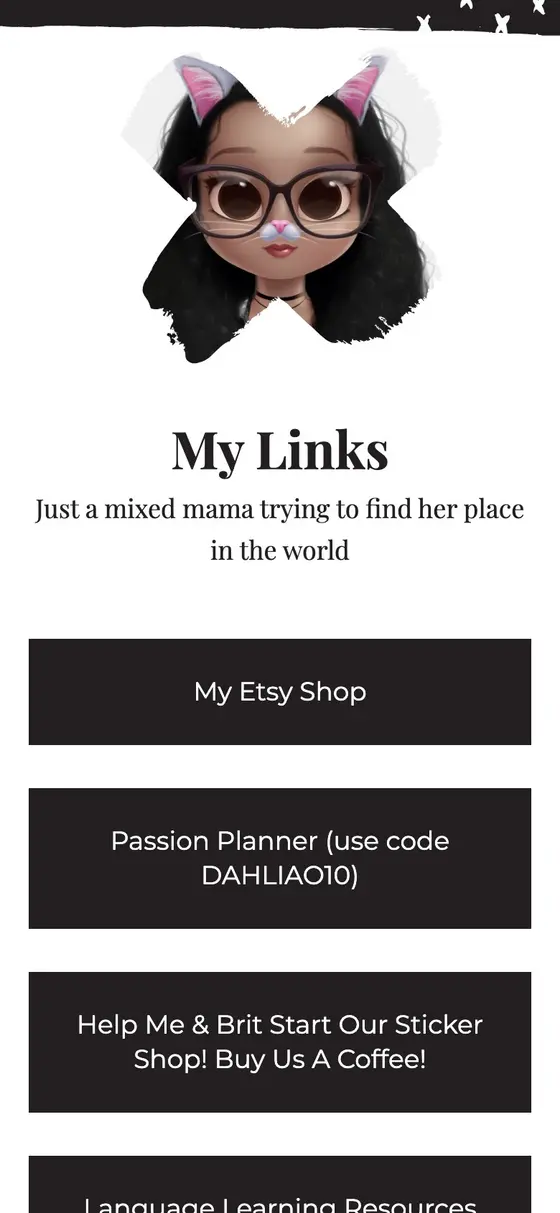
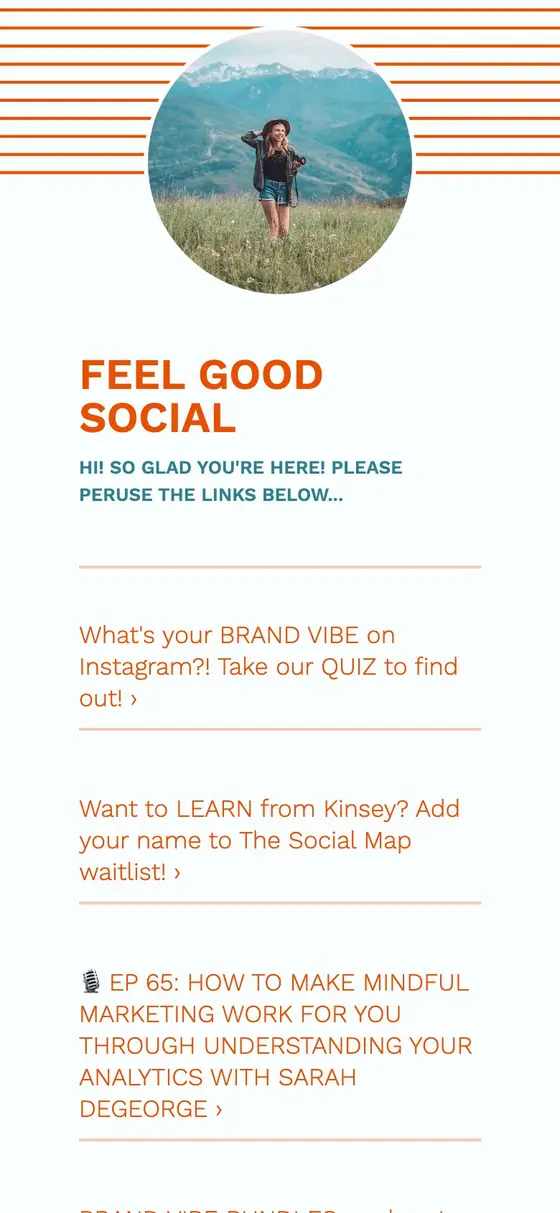
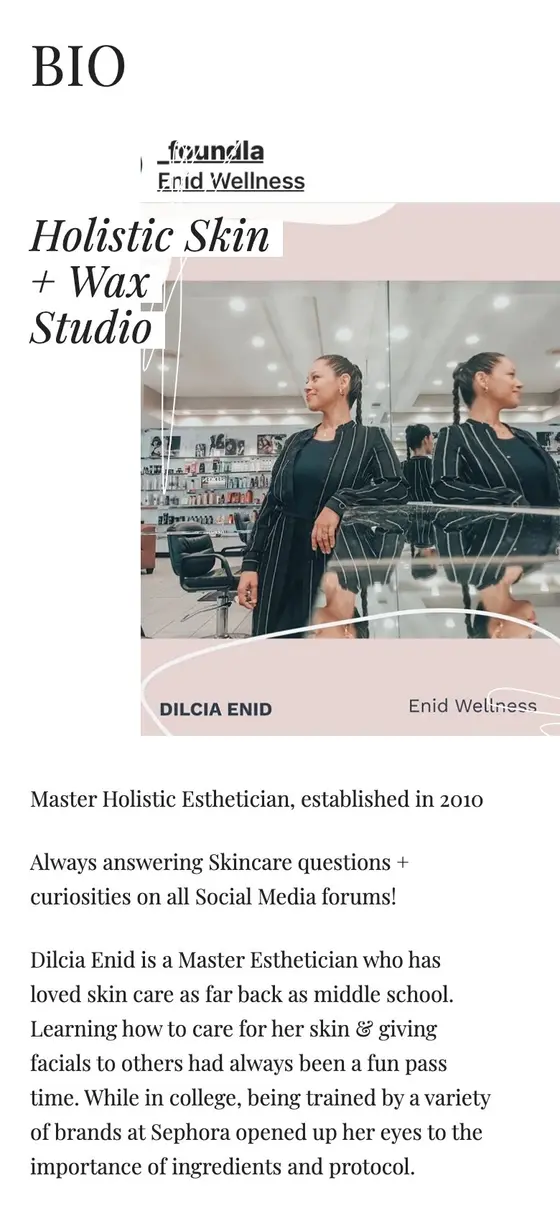
Looks are our design templates. Paste your link above and your site appears in a few of them, in your colors. Flip through them, check each page, and see how it looks on a phone and a computer.
-
Claim your site
Keep the one you like and carry on editing it in the Milkshake app. It lives at msha.ke/yourname.
What comes across from Squarespace
- Your main pages
- As links, top level of your menu first.
- Name and description
- From your site's title and description.
- Logo, colors and fonts
- Read from your site's styles.
- What stays behind
- Your pages' content (we link to them rather than copy them), footer and policy links, and anything past 25 links.
Change any of it in the app afterwards.
Your site, plus a page for your bio
Keep your Squarespace site
Your link in bio page points into it, a tap per page.
Add what your bio needs
Latest videos, picks and socials, on Cards of their own.
Change it from your phone
Update a link between posts in the Milkshake app.
Questions
Frequently asked questions
Switching from Squarespace to Milkshake.
Does Squarespace have a link in bio?
Squarespace's help pages suggest two ways: a Bio Site made in its Unfold app, or an unlinked page on your Squarespace site that holds your links. Milkshake builds a separate link in bio page from your site, ready in seconds.
Is there a Squarespace link in bio template?
Here every Look is a starting point, already filled with your pages, logo and colors, so you pick one rather than fill a template in.
Still have questions? Visit our Help Center
What this page says about Squarespace was checked in October 2026, from its own help pages: Squarespace Help Center: Building a site or page for your link in bio