


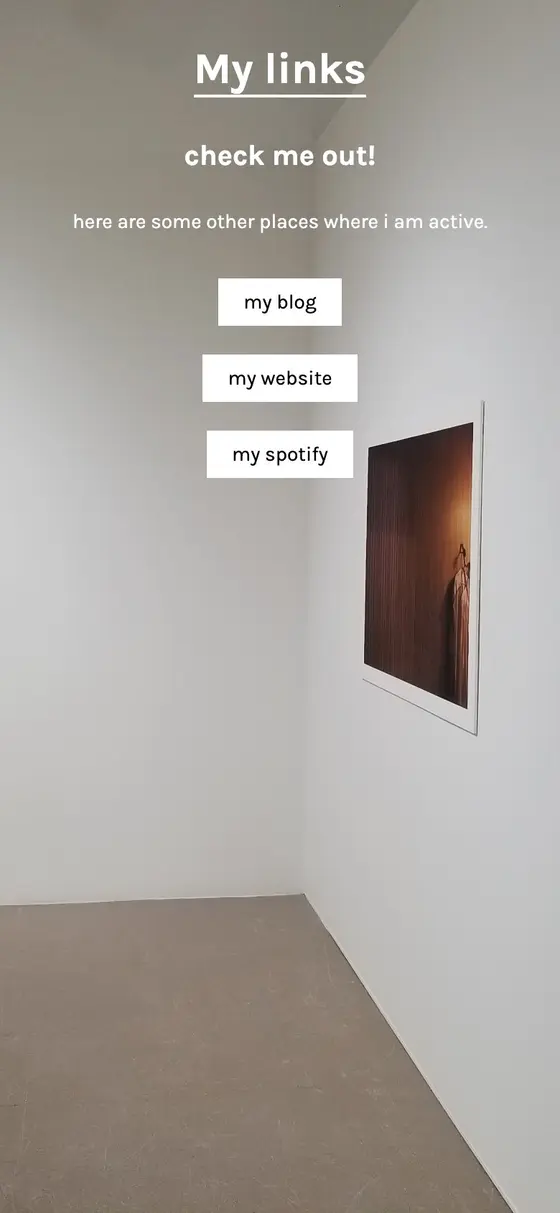


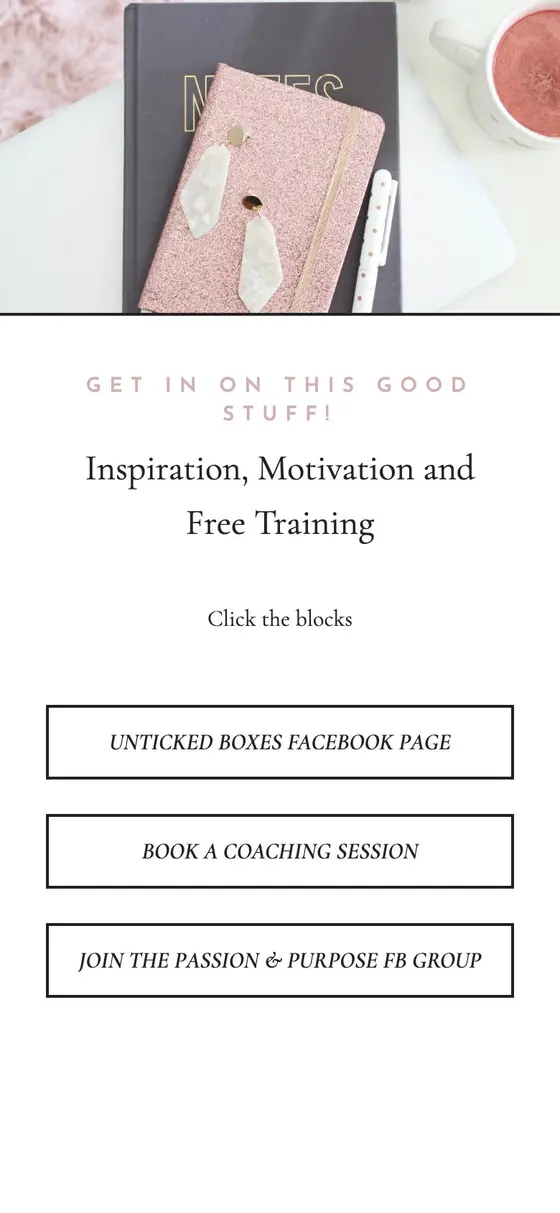





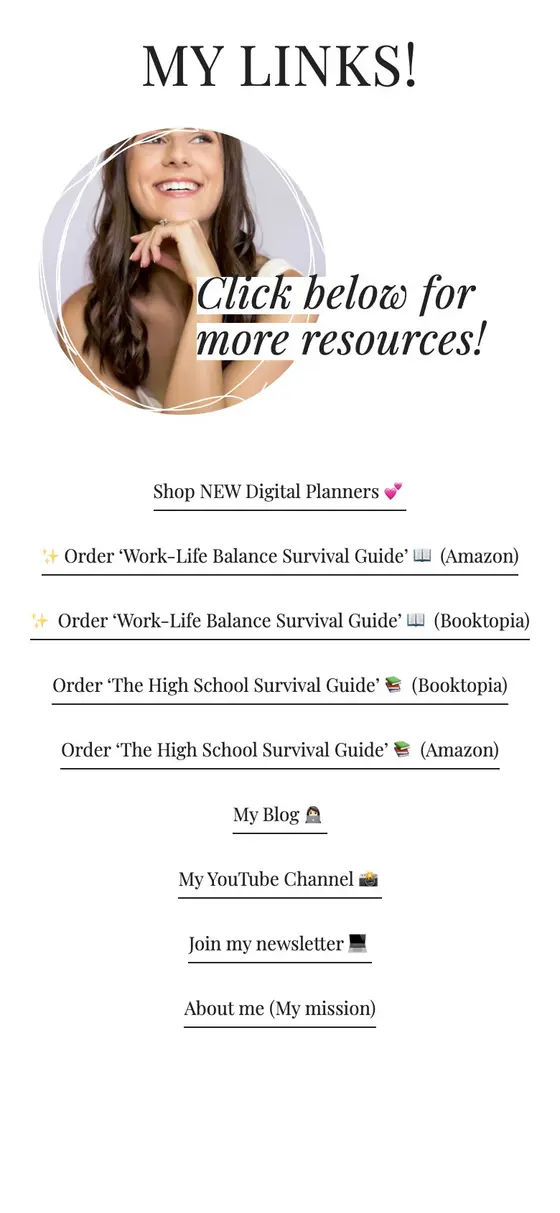
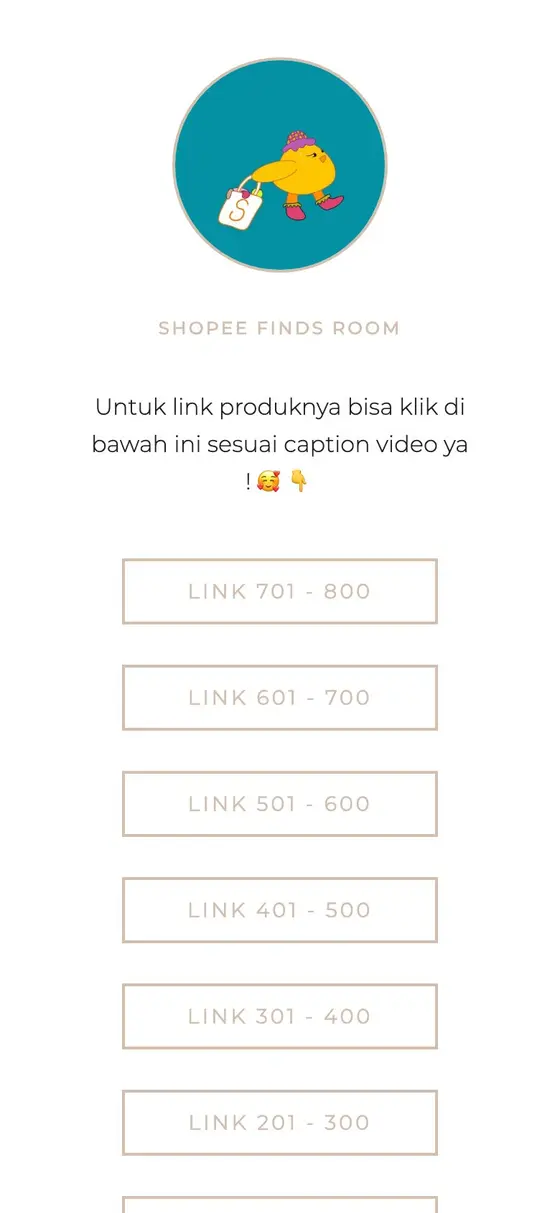







Shopify → link in bio
A Shopify link in bio page, built from your store
Paste your Shopify store's address and Milkshake builds a link in bio page from it in seconds: your featured products with prices, your menu and your store's colors, in a bunch of different styles. Put it in your Instagram or TikTok bio and your products are a tap away.
Use your store's own address, like yourstore.com, or its myshopify.com one.
No link yet? Start with your name
How it works
From Shopify to a Milkshake site in seconds
-
Find your link
Use your store's own address, like yourstore.com, or its myshopify.com one.
-
See it in different Looks
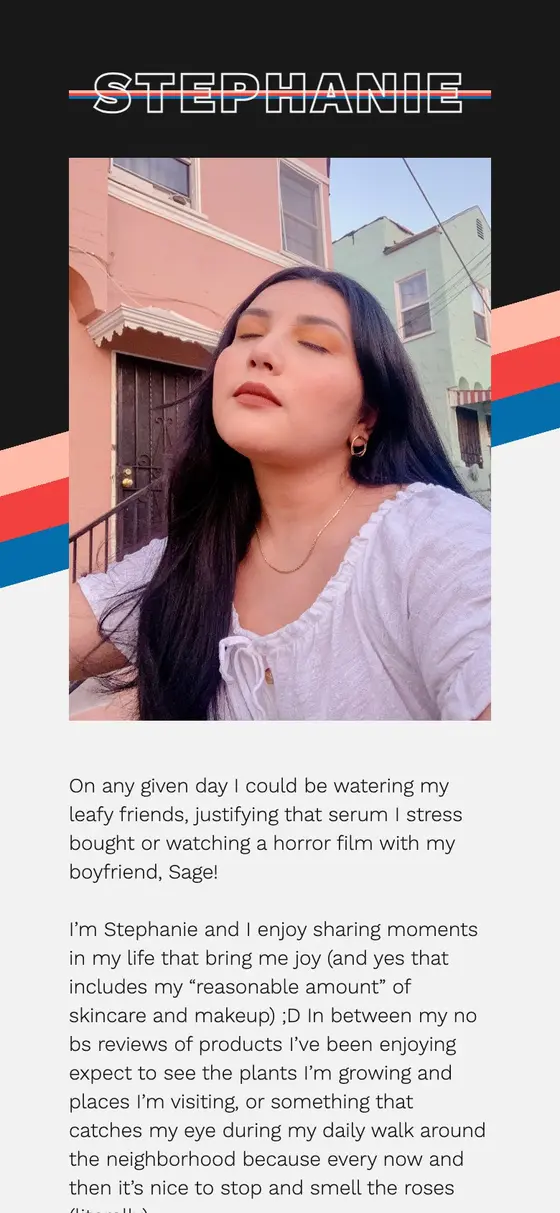
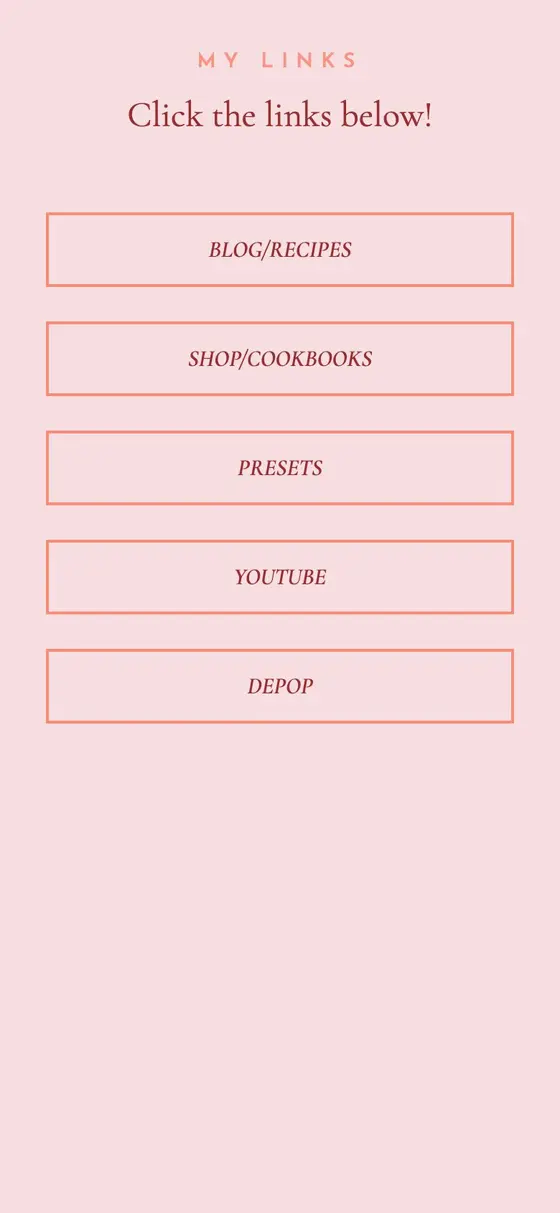
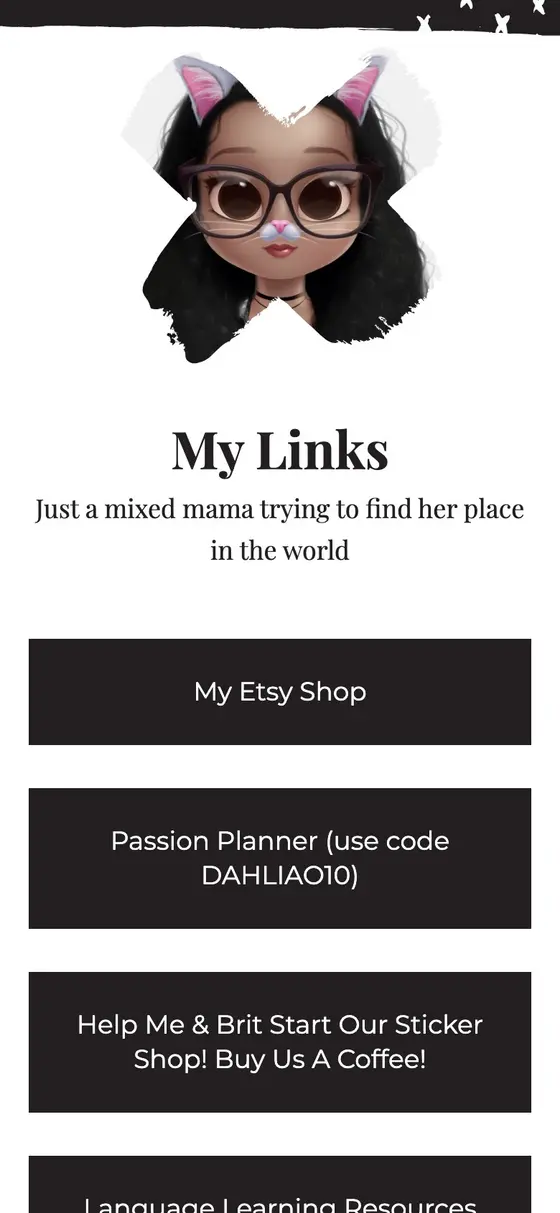
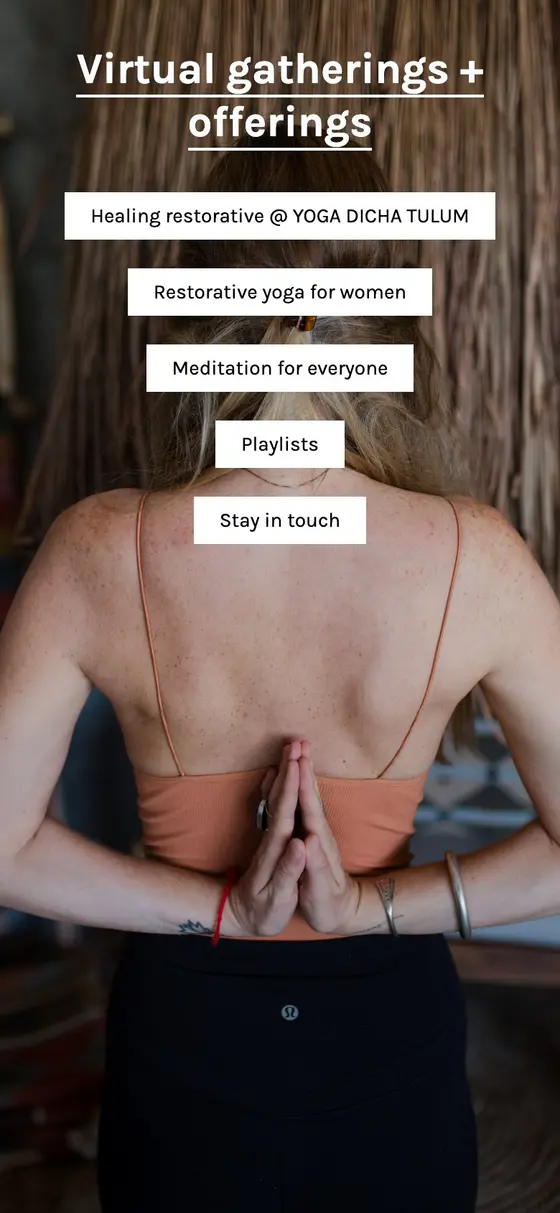
Looks are our design templates. Paste your link above and your site appears in a few of them, in your colors. Flip through them, check each page, and see how it looks on a phone and a computer.
-
Claim your site
Keep the one you like and carry on editing it in the Milkshake app. It lives at msha.ke/yourname.
What comes across from Shopify
- Featured products
- What your home page features, on a Top Picks Card, up to six, each with its price and a link to its product page.
- Your menu
- Your main menu's links, top level first.
- Logo, colors and font
- Read from your theme and logo.
- What stays behind
- Footer, policy and account links, and anything past 25 links.
Change any of it in the app afterwards.
Why a link in bio page for a store
Shop and everything else
Products next to your socials, videos and story, in one link.
Nothing to install
We read your store's public pages, the same as a shopper would.
Built for phones
Where people tap your bio link, and where you edit it.
Questions
Frequently asked questions
Switching from Shopify to Milkshake.
How do I put my Shopify link in my Instagram or TikTok bio?
Build your page here, keep the one you like, and add its msha.ke address to your profile's links. Your products are then one tap from your bio.
Which products come across?
The ones your store's home page features, up to six. Swap or add products in the app.
Still have questions? Visit our Help Center