
Build a website on your phone in minutes
Milkshake is a free app for iPhone, iPad, and Android that turns your phone into a website builder. Pick Cards, add your content, shake up the Looks, and publish — you can have your Milkshake website online in minutes.
A Milkshake website can be your only website or the connection to your existing website. It’s the easiest way for your followers to access all you offer from your link in bio.





Card Types
Beautiful Cards you can swipe
Milkshake websites are made up of Cards — swipeable pages your visitors move through like Instagram Stories. Each Card type is designed for a specific purpose, so you pick only the ones you need.
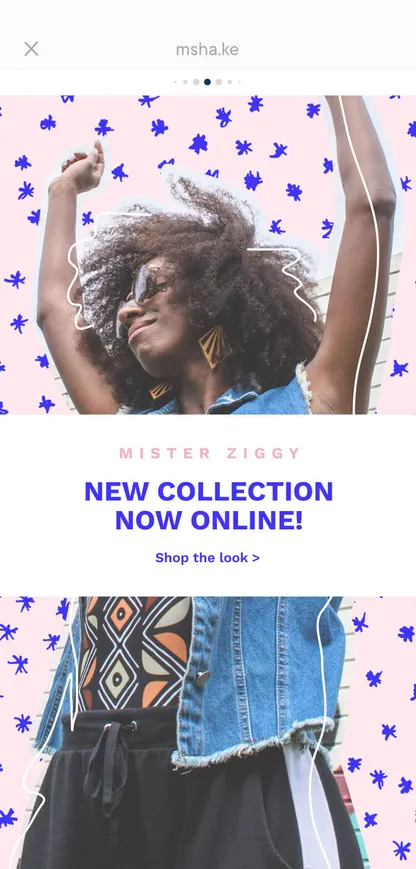
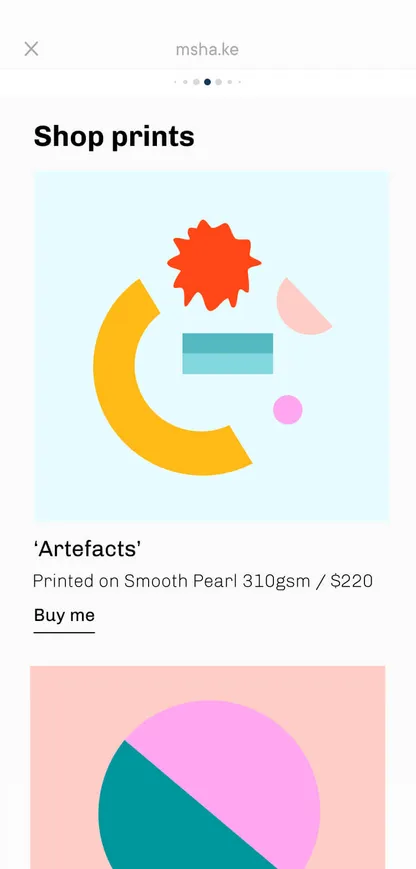
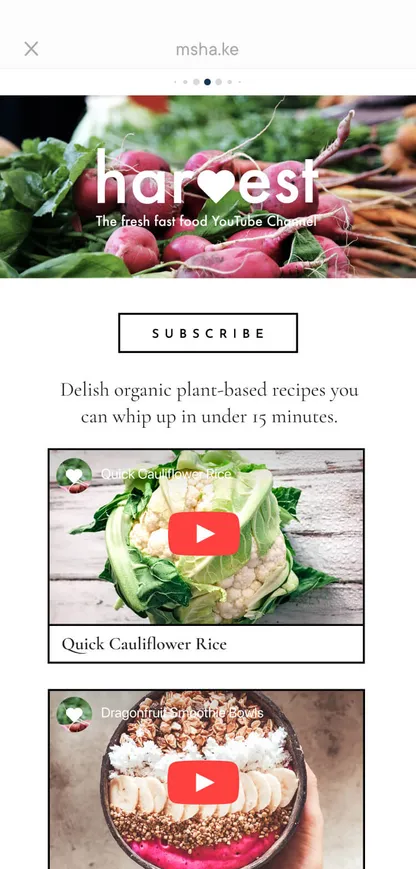
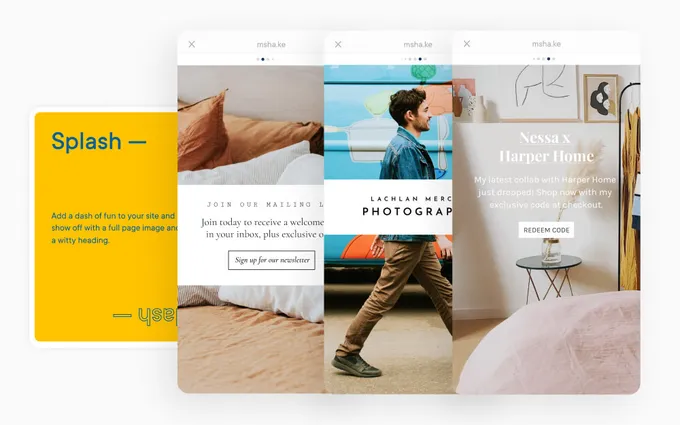
Splash Card
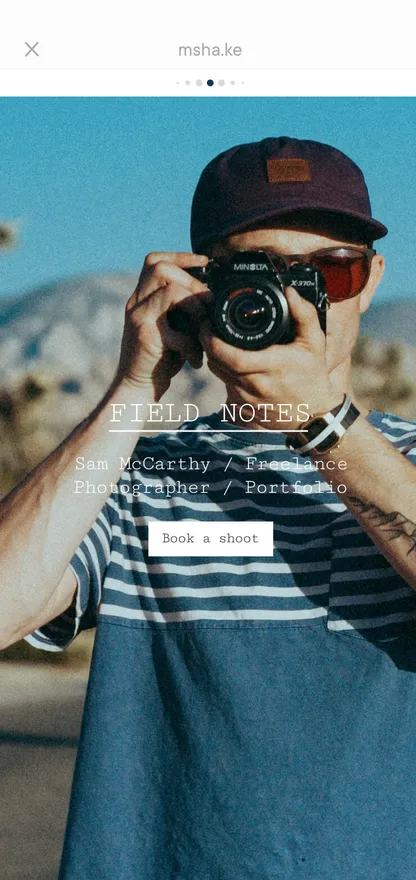
Your opening page — make a bold first impression with a full-page image, heading, tagline, call-to-action button, and social icons. Set the tone for your entire site.
About Card
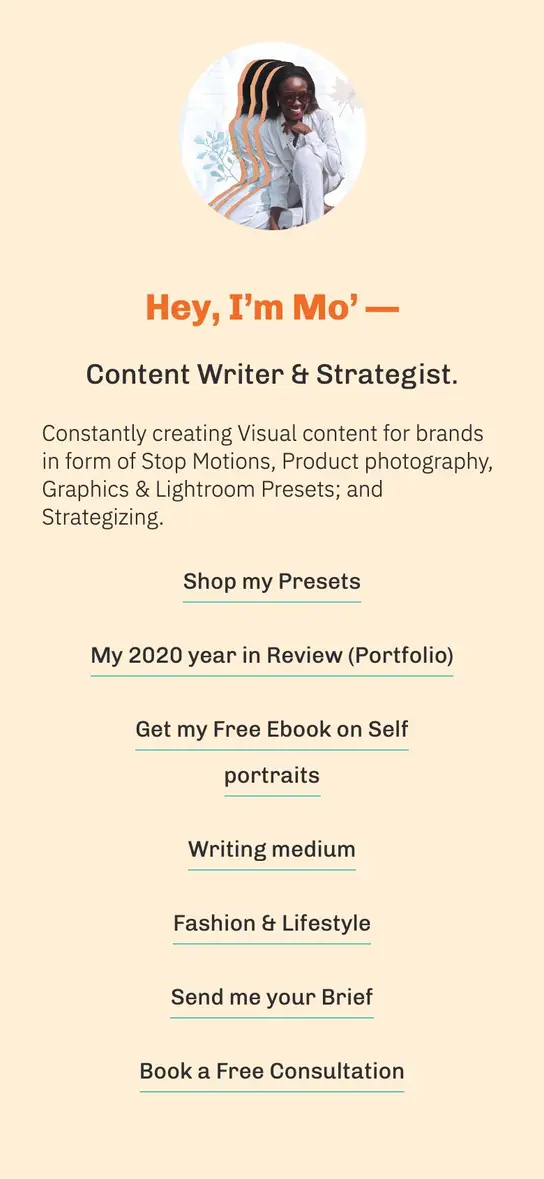
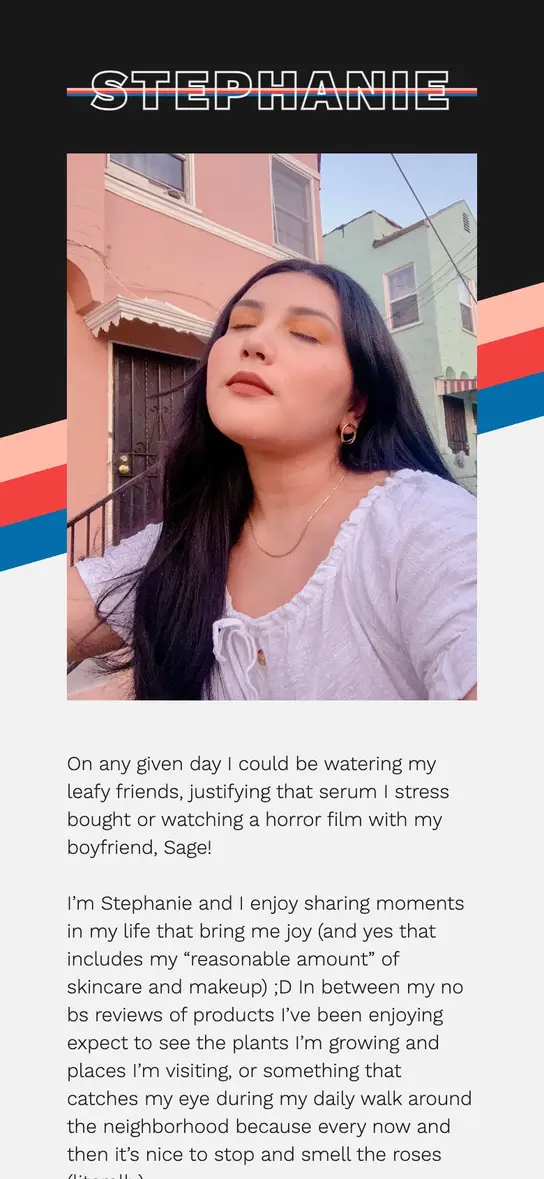
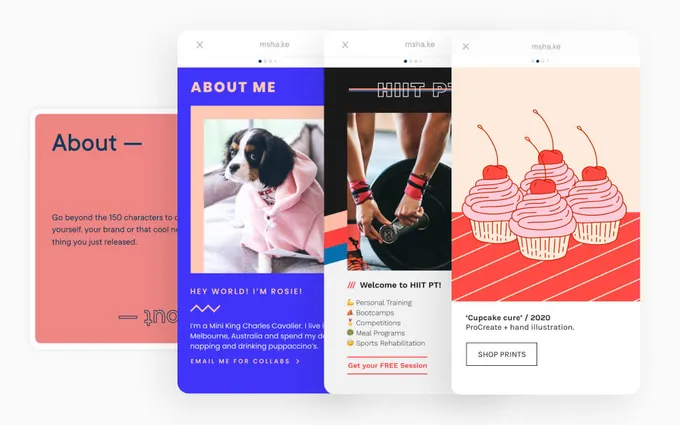
Go beyond the 150-character bio. Tell your story with text, images, social links, and an optional mailing list signup. Show people who you really are.
Links Card
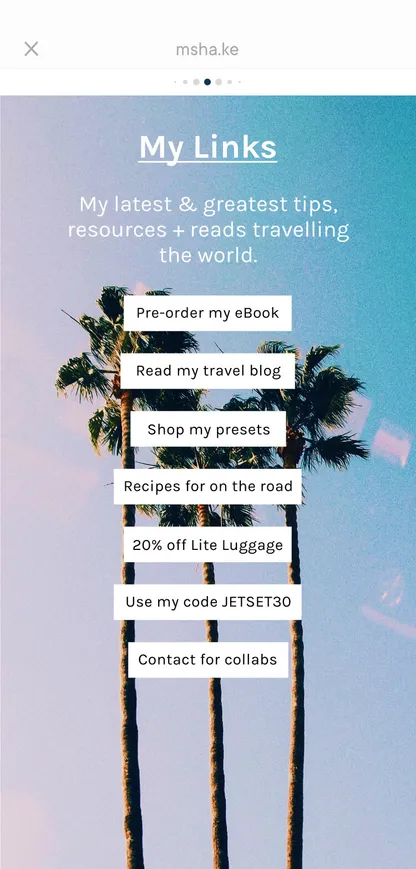
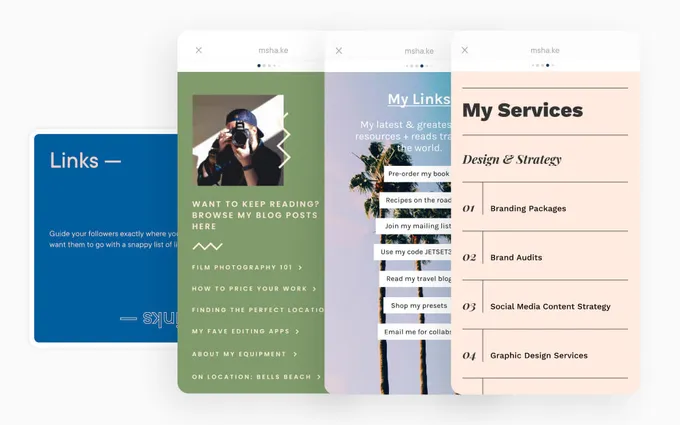
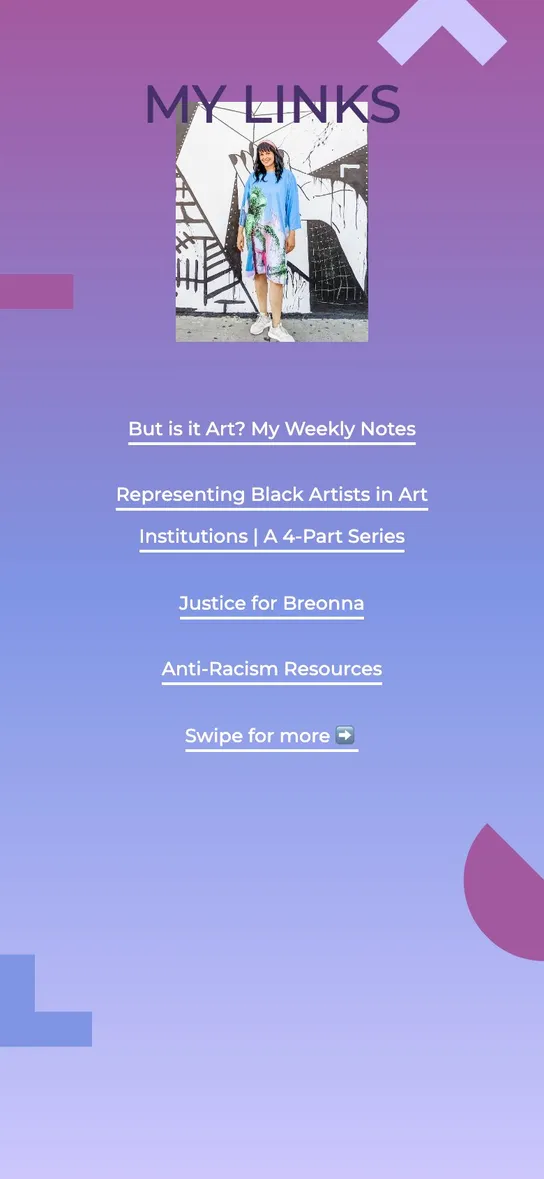
Guide your followers exactly where you want them with a snappy list of links — to your store, blog, booking page, podcast, or any website.
Top Picks Card
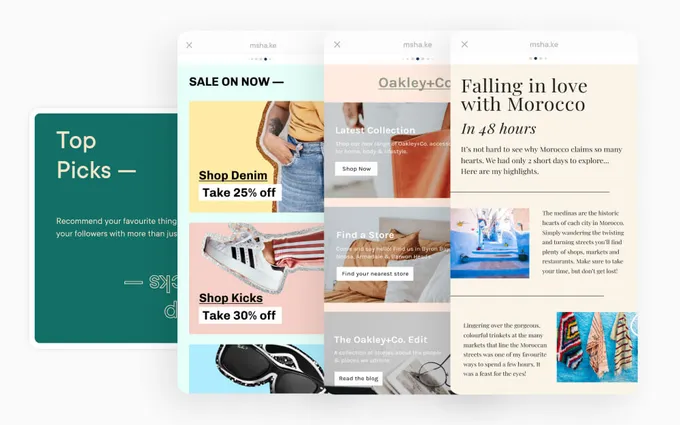
Recommend your favorite things with more than just a link. Showcase products and must-haves with images, descriptions, and direct links.
YouTube Card
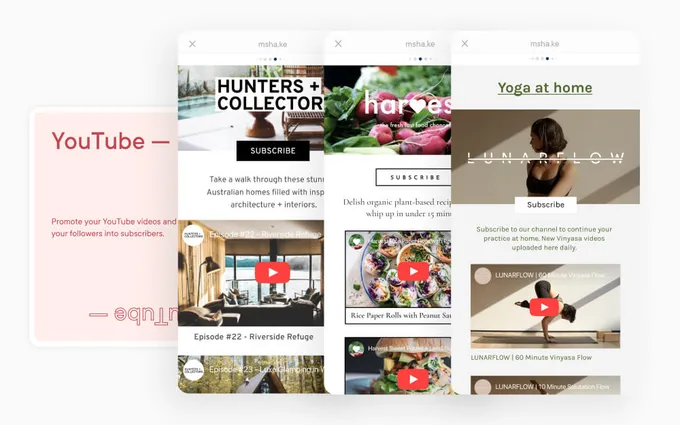
Promote your YouTube videos and turn your followers into subscribers. Embed videos directly on your site with a subscribe button.
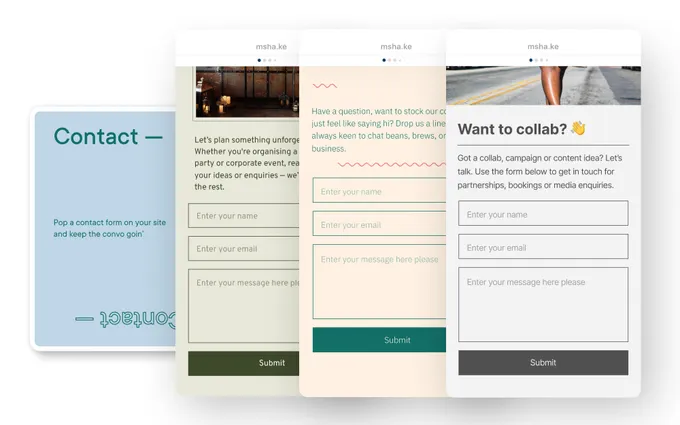
Contact Card
Pop a contact form on your site and keep the convo going. Perfect for bookings, inquiries, collaborations, and business opportunities.
Add as many Cards as you like and reorder them anytime. Visitors swipe between Cards on every device — it works great on mobile and desktop. See real creator websites
Design
Professional design without the design skills
Every Card gets a Look — a design template that controls layout, typography, colors, and overall style. Tap “Shake it up” to shuffle through Looks until you find one you love.
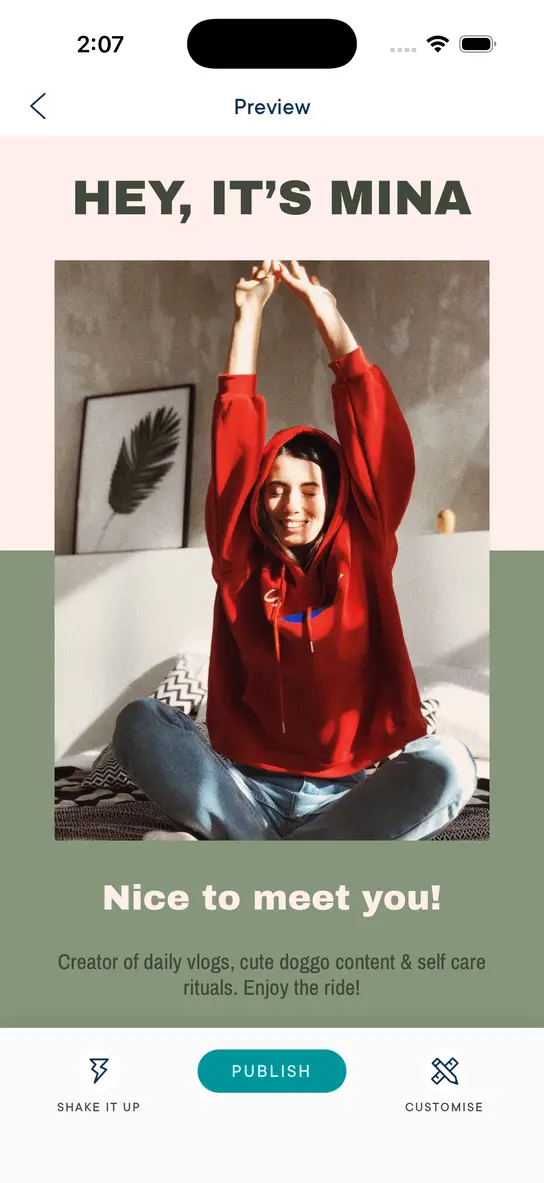
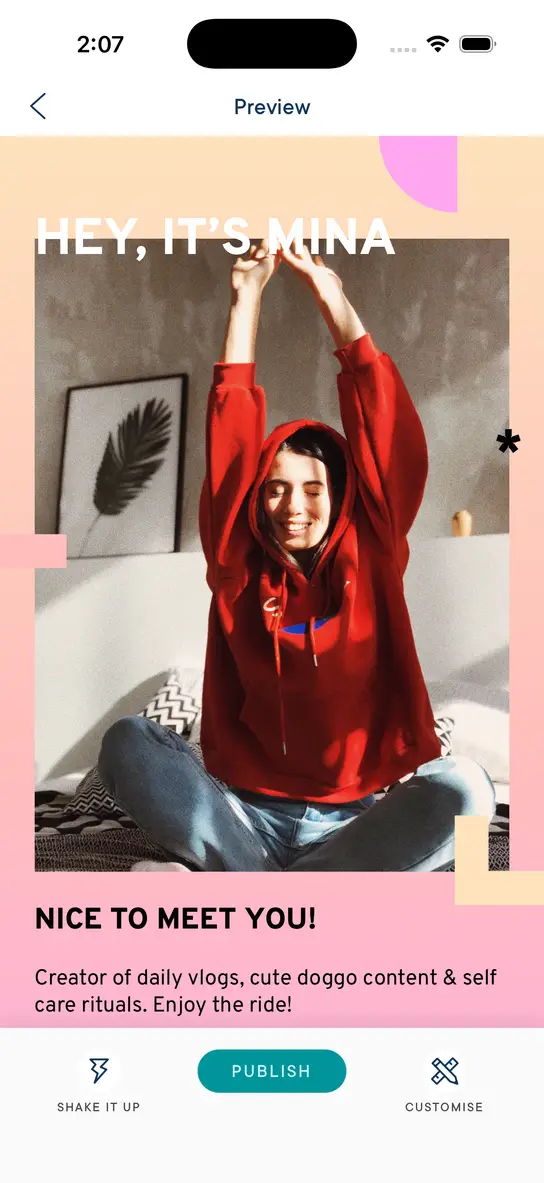
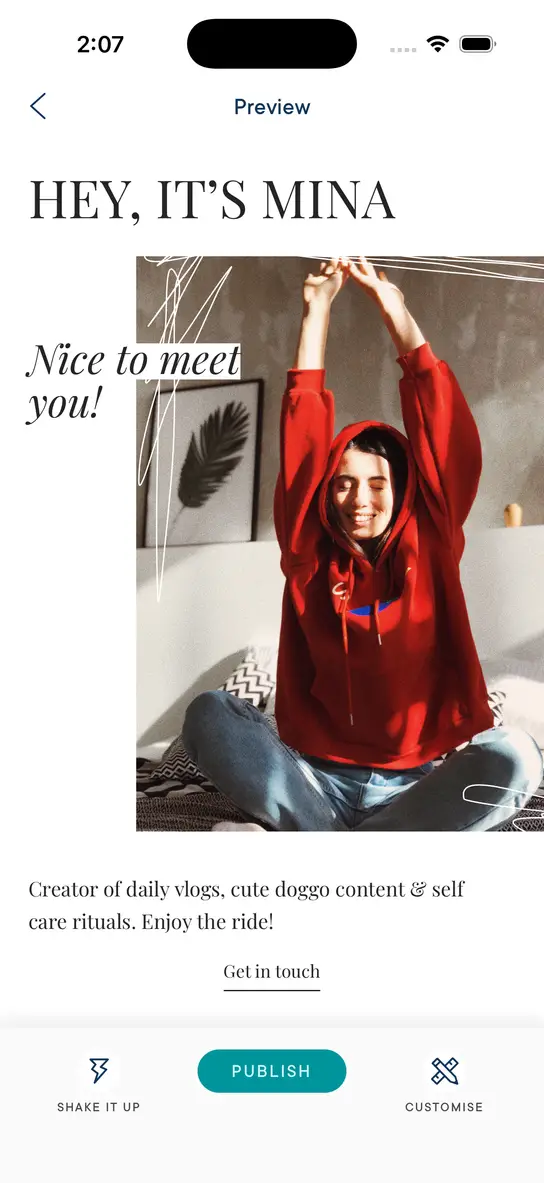
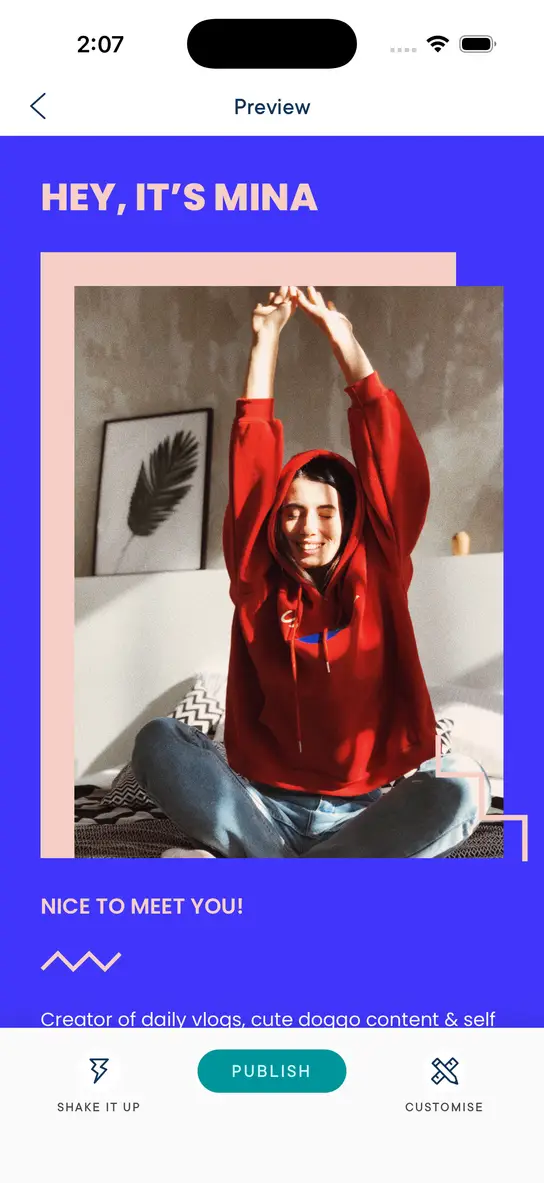
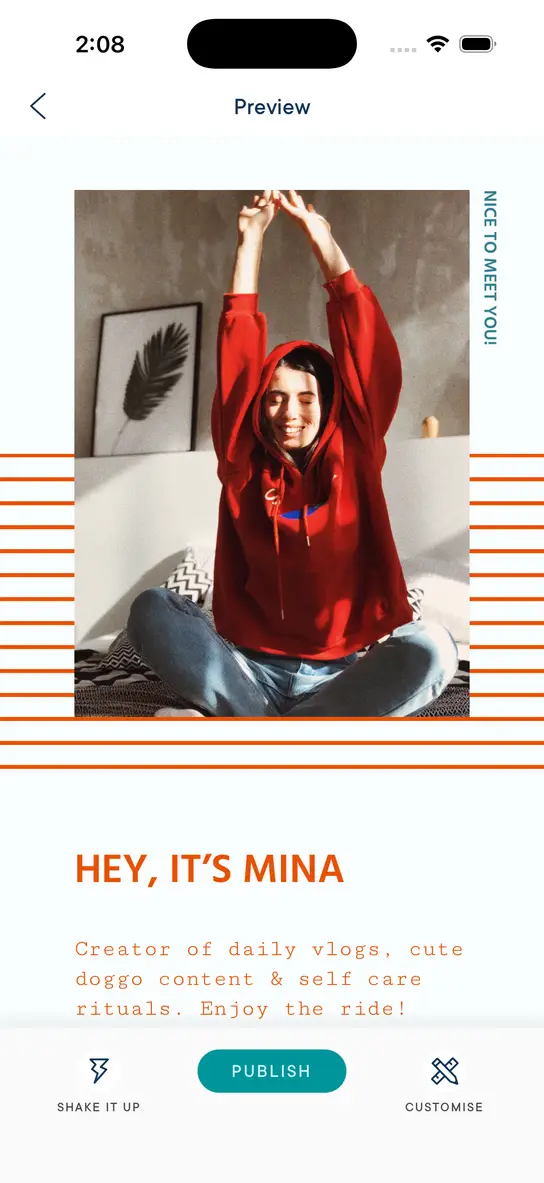
All Look designs are beautiful, professional, and mobile responsive out of the box. Then make them yours:
Customize with your brand colors for a consistent look across all Cards
Choose from a range of fonts to match your vibe
Add your logo and images to keep every Card on brand
Use the same Look across all Cards for a cohesive brand, or mix and match for variety
Use Cases
What you can do with Milkshake
Milkshake goes far beyond a simple link-in-bio page.
Share your story
Introduce yourself, your brand, and what makes you amazing
Promote your work
Share your services, products, promotions, and latest content
Grow your audience
Embed YouTube videos and turn followers into subscribers
Recommend products
Curate your top picks, fave buys, and must-haves for your followers
Get bookings
Receive new clients and collaboration requests with a contact form
Launch something new
Start a business venture, passion project, or side hustle


Publish & Share
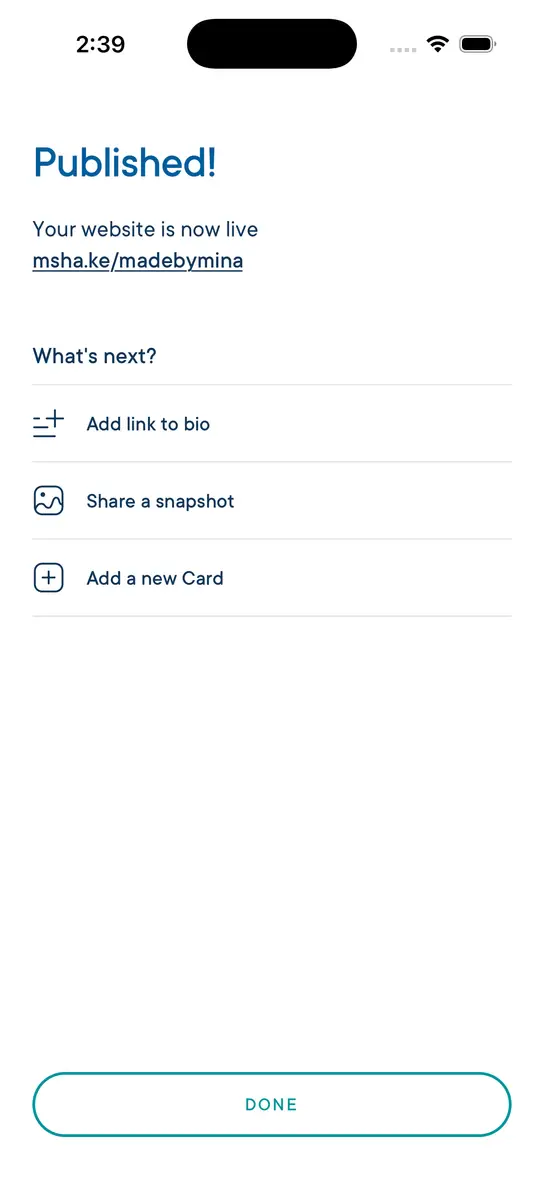
Publish for free , share everywhere
Update your website whenever you want and your followers always see the latest version. One link in your bio is all you need to share everything.
Analytics
Track what’s working
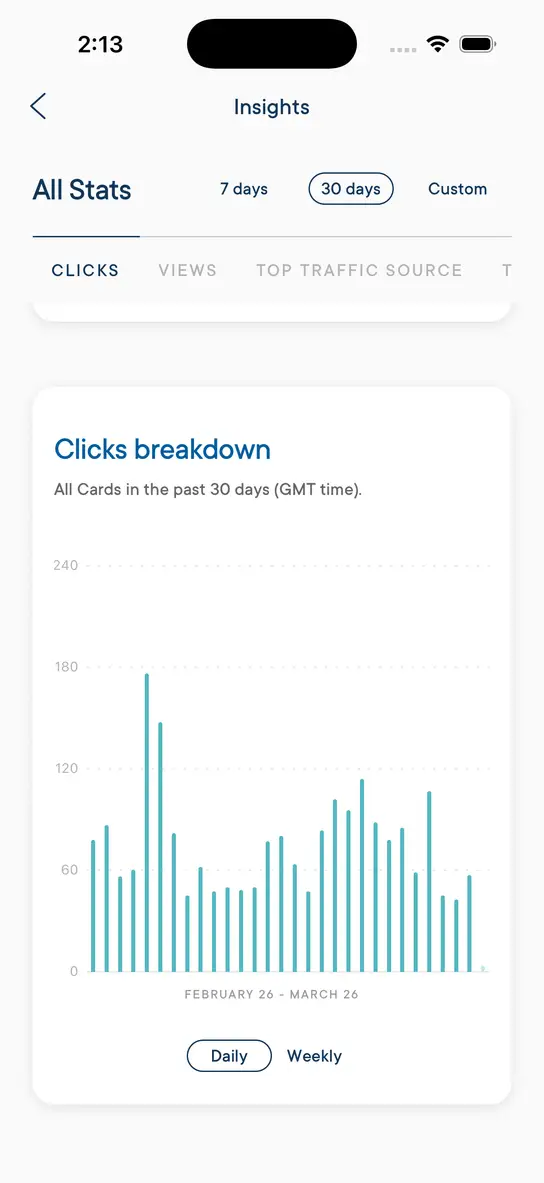
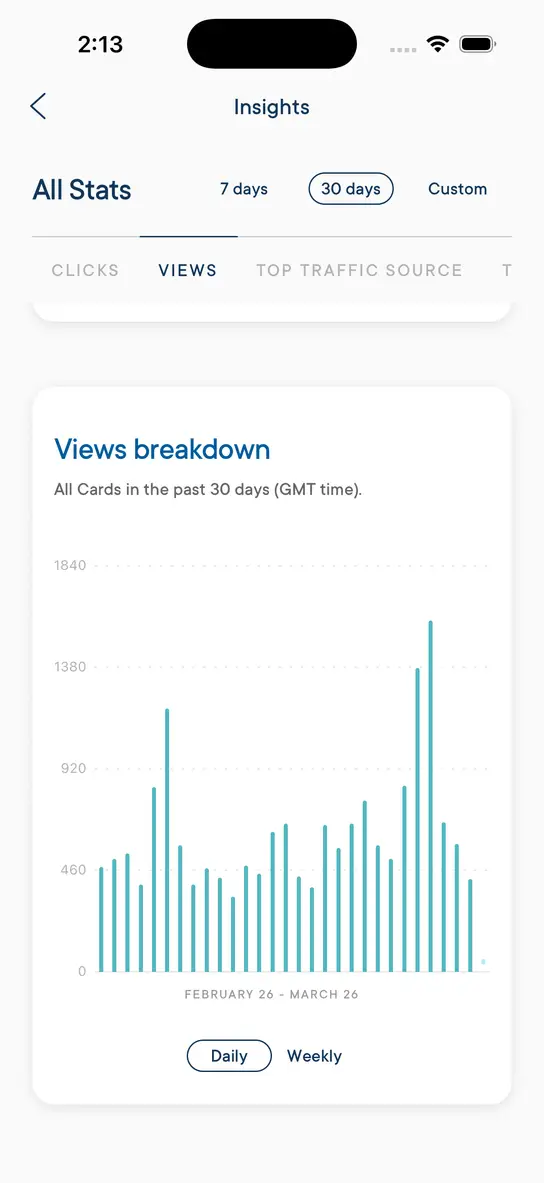
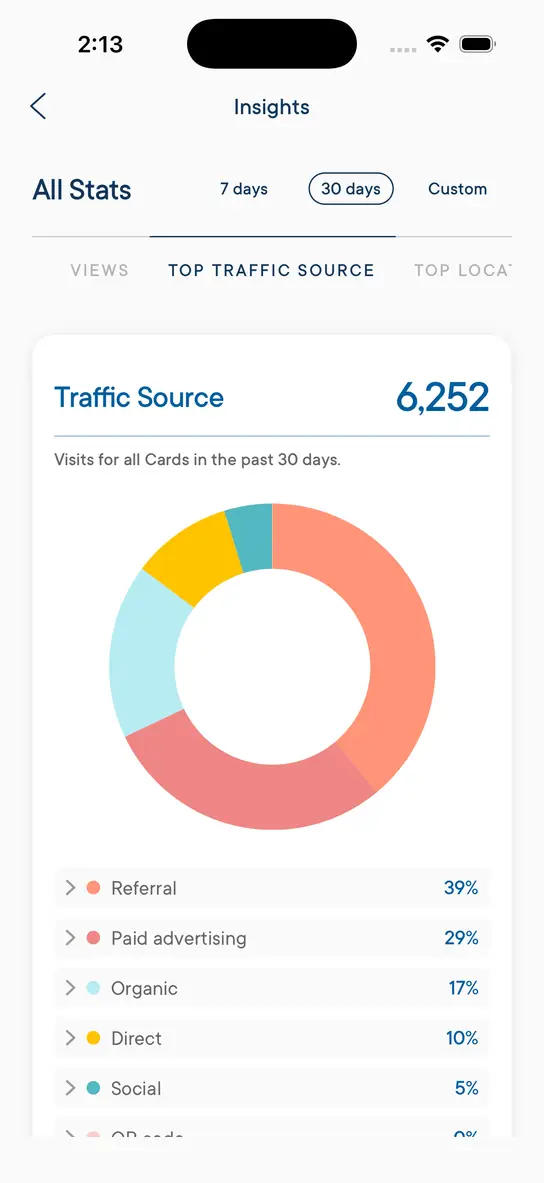
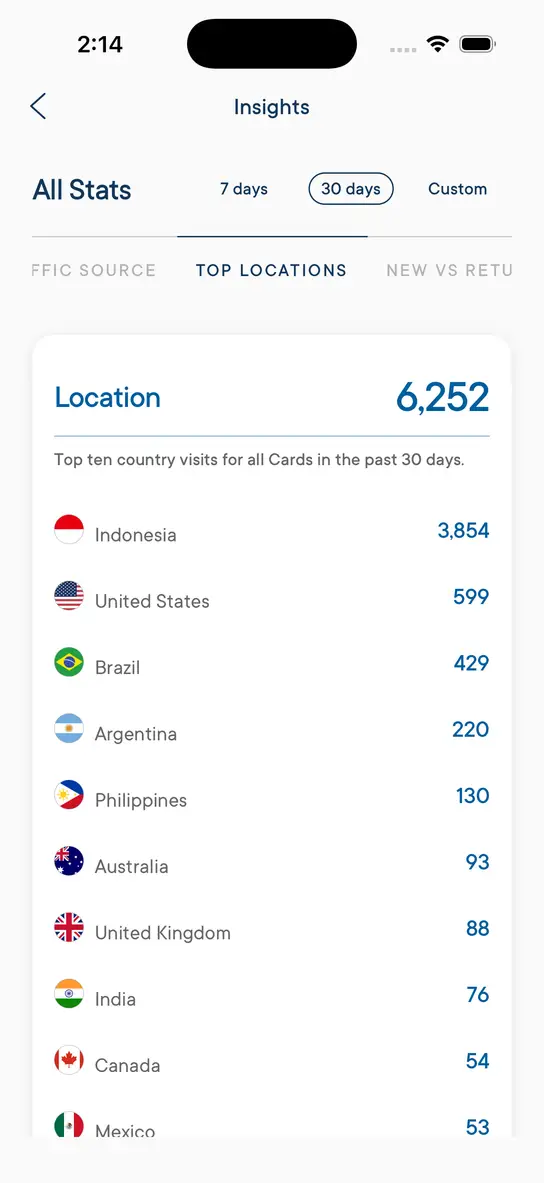
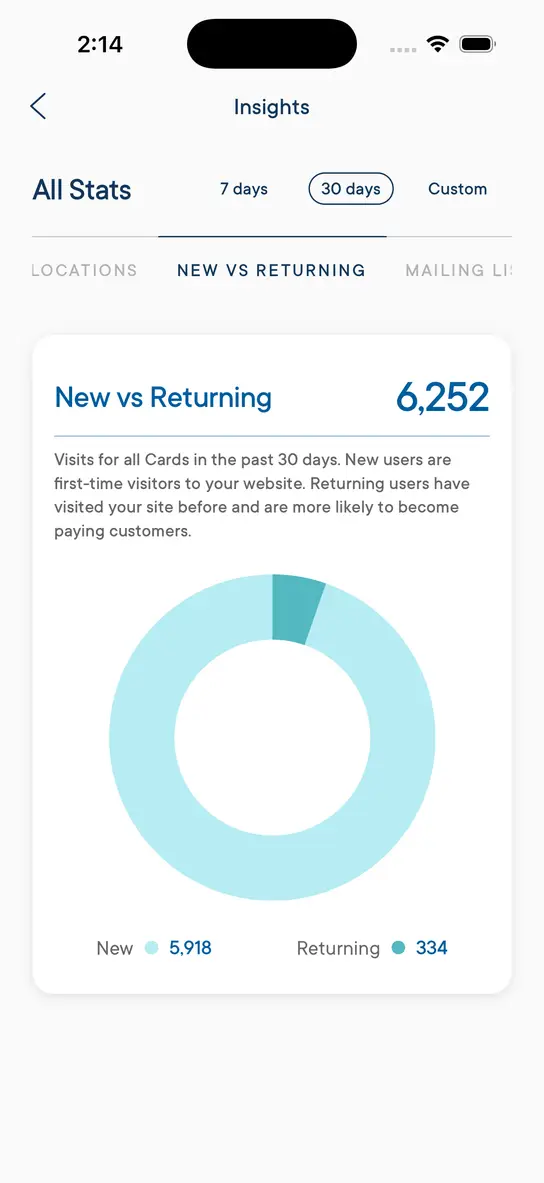
Every Milkshake website comes with built-in analytics called Insights. See how your website is performing in real-time so you can optimize your content and grow your audience.
Free Insights
- 30 days of analytics data
- Card views and link clicks
- Traffic sources and top countries
- New vs returning visitors
Pro & Pro+ Insights
- 365 days of analytics data
- Export your Insights data
- Mailing list tracking
- Form submissions tracking
- Google Analytics (Pro+)
Multiple Sites
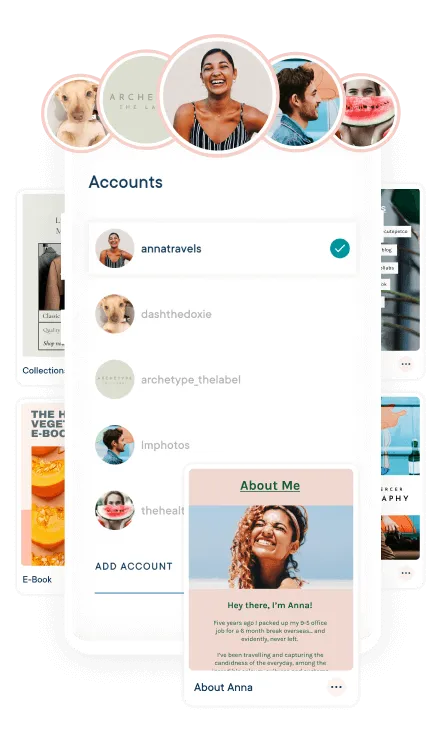
Manage up to 5 websites
Run multiple brands, businesses, or projects from the same app. Switch between up to 5 Milkshake websites with a single tap — each with its own Cards, Looks, link, and analytics.
Great for social media managers, side hustlers, or anyone juggling multiple ventures. Each website gets its own unique link to share.
Upgrade
Grow with Pro features
Milkshake is completely free to use. When you’re ready to take your website further, a subscription unlocks powerful tools to grow your brand and business.
Custom domain
Connect your own domain name (like yourbrand.com) to your Milkshake site. Your visitors see your brand, not ours.
Contact form
Let followers send bookings, inquiries, and collaboration requests directly to your email.
Mailing list
Collect email addresses from visitors and sync them automatically to Google Sheets or Mailchimp.
Google Analytics
Connect Google Analytics to your Milkshake website for detailed visitor data, traffic sources, and audience insights.
SEO & social sharing
Customize your page title, description, favicon, and social sharing preview so your website looks great in search results and on social media.
Meta pixel
Run targeted ad campaigns on Facebook and Instagram and track conversions from your Milkshake site.
Campaign builder
Create UTM-tagged links and track which marketing campaigns drive the most traffic directly in Insights.
Remove branding
Remove the Milkshake branding for a clean, fully professional look that's all about your brand.
365 days of Insights
Access a full year of website analytics — views, taps, and link clicks — so you can track trends and growth over time.
Hide Cards
Temporarily hide a Card from your live website while you perfect it — like a draft mode for individual pages.
Priority support
Get faster responses from the Milkshake team when you need help with your website or account.
Export Insights
Download your analytics data as a spreadsheet to share with clients, track progress, or dig deeper into your numbers.
FAQ
Frequently asked questions
Everything you need to know about building your website with Milkshake.
What are Cards?
Milkshake Cards are the website pages that make up your Milkshake website. Each Card has a specific purpose — like a Splash page, About page, Links page, Contact page, or Top Picks page. You can add as many Cards as you like and reorder them anytime.
What are Looks?
A Look is the design that you give to your Milkshake Card. Tap "Shake it up" to shuffle through Looks until you find one you love. Customize Looks with your brand colors, fonts, logos, and images. You can use different Looks for each Card or keep your brand strong using one Look for all Cards.
Can I use Milkshake on Android?
Yes! Milkshake is available on both iOS (iPhone and iPad) and Android. Download it for free from the Apple App Store or Google Play.
Does my site work on desktop and mobile?
Milkshake websites are optimized for mobile but work great on desktop too. Your visitors will have a smooth experience no matter what device they use. See examples.
Is Milkshake just a link-in-bio tool?
Milkshake goes way beyond a simple link-in-bio. You can create multiple pages (Cards) including about, links, top picks pages, contact forms, YouTube videos, and more. Think of it as a mini website you build from your phone.
Do I need any design or coding skills?
Not at all! Milkshake is designed so anyone can build a beautiful website in minutes. Just pick a Card, add your content, and tap "Shake it up" to find a Look you love. Every design is professional and mobile responsive right out of the box.
Can I see analytics for my website?
Yes! Milkshake Insights shows you how your website is performing — including views, taps, and which Cards and links get the most attention. Use it to understand what's working and what to share more of.
Can I connect a contact form or mailing list?
Yes! Add a Contact Card to receive bookings, inquiries, and collaboration requests straight to your email. You can also collect email addresses from visitors and sync them to Google Sheets or Mailchimp. Contact forms and mailing lists are available on paid plans.
Can I use my own domain name?
Yes! With a Pro+ plan, you can connect your own custom domain (like yourbrand.com) to your Milkshake website. On free and lower-tier plans, your site is hosted on a msha.ke link.
Can I manage multiple brands or businesses?
Yes! Milkshake supports account switching, so you can create up to 5 separate websites — one for each brand, business, or project. Switch between them in a tap without logging in and out.
How much does Milkshake cost?
Milkshake is completely free to use. For extra features like custom domains, contact forms, mailing lists, and advanced analytics, we offer Lite, Pro, and Pro+ plans. Check out our pricing page for full details.
Still have questions? Visit our Help Center
Time to show the world
what you’re made of.
Start making your free Milkshake website today.
No credit card needed. No strings attached.
Trusted by 5M+ creators worldwide